
Create your own · A picture with a clear source
Where to Find Open Access Images for Custom Jigsaw Puzzles
Quick summary
Start with Smithsonian Open Access and the National Gallery of Art when looking for free images for custom jigsaw puzzles. Their collection records can give you both a downloadable picture and the reuse information you need to keep with it.
For this guide, we checked the institutions’ policies and the three artwork records below on October 10, 2026. Each has a public domain reuse statement and a download route. Keep those details with the file so you can find the same image again.
Key takeaways
- 01Check the individual image’s reuse statement.
- 02Download through the museum’s own artwork record.
- 03Save the work number and source with your file.
Start with institutions that label reuse clearly
At the Smithsonian, look for the CC0 designation. Its Open Access FAQ explains that the institution waives the copyright rights it may hold in a marked asset. These assets can be reused without asking the Smithsonian for permission or paying it a fee.
Browse Smithsonian Open Access collections.
The National Gallery of Art in Washington, DC also offers downloads on individual artwork pages. Its open access image policy covers works it believes to be in the public domain and releases those images under CC0 for commercial and noncommercial use.
Start at the National Gallery’s free images page.
Search for a subject you enjoy, such as a garden or river. Open the work record before saving the picture. Even within one collection, images can have different reuse conditions.
Read the limits in the policies too. Other parties’ rights can still matter, including privacy or trademark rights, and the National Gallery notes that laws differ between countries. The statements here describe what these institutions permit for selected images.
Read the Smithsonian’s original CC0 and reuse explanation.
Read the National Gallery’s original open access policy and user notes.
Check the individual item before downloading
Use the title and collection number to identify the exact work. Then check the rights statement for its image. The three records below connect each artwork to a specific digital file. Their source pages let you check the wording yourself.
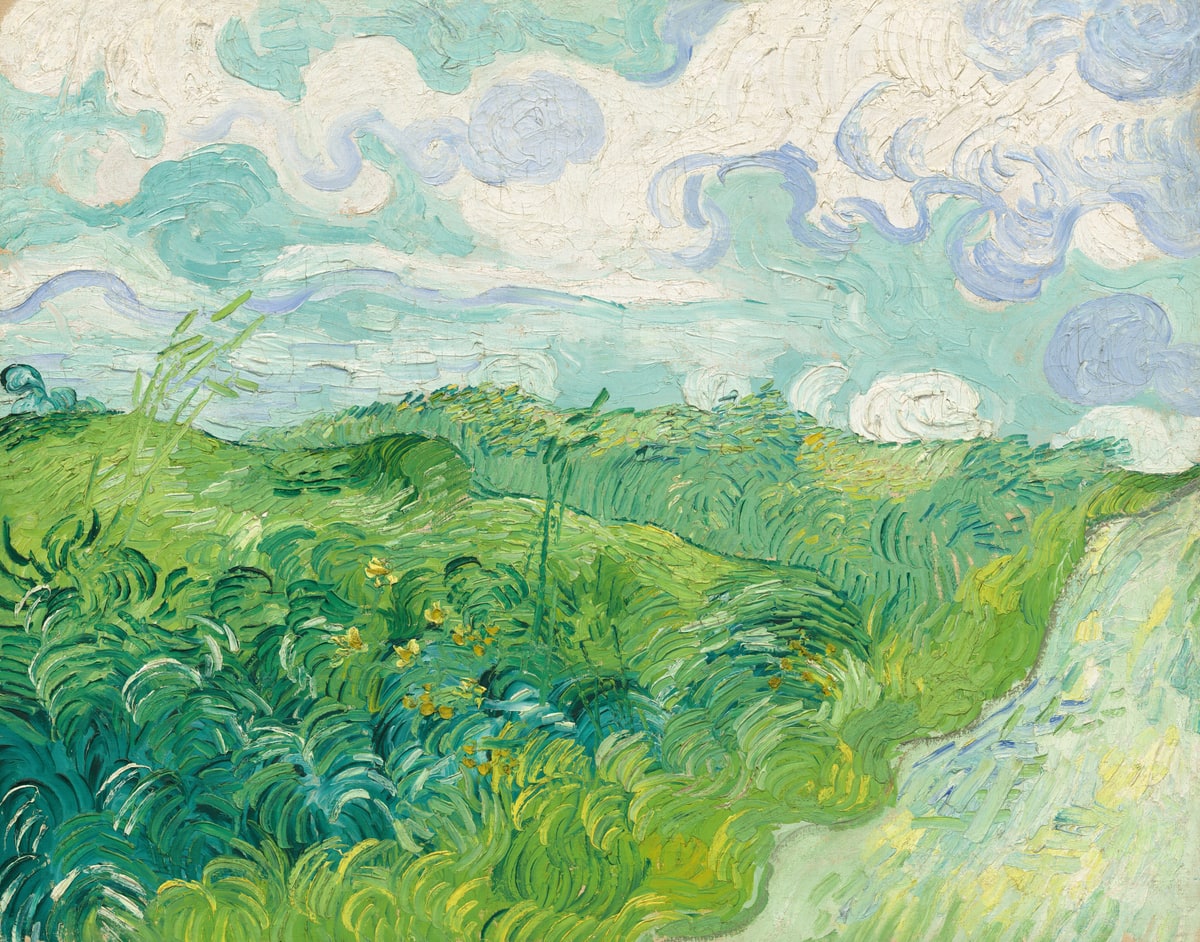
Open the Green Wheat Fields, Auvers artwork record.
Download the National Gallery’s Green Wheat Fields JPEG.

Download our smaller JPEG copy of the complete Van Gogh painting.
Open The Japanese Footbridge artwork record.
Download the National Gallery’s Japanese Footbridge JPEG.

Open The Grand Canyon of the Yellowstone artwork record and its Download control.
Open the Smithsonian’s direct image download entry.
Repeat this check for another work. If its image is unavailable for download or the conditions are unclear, choose a different picture for this project. A search thumbnail gives you too little information to make that choice.
Keep a small source and credit record
Save a short text file beside the image. Write down the title and artist, then its collection number, image identifier and work-page address. Add the reuse statement, download address and date you checked them. This keeps the source available when the original download filename no longer means much to you.
Download the three completed source records and a blank template.
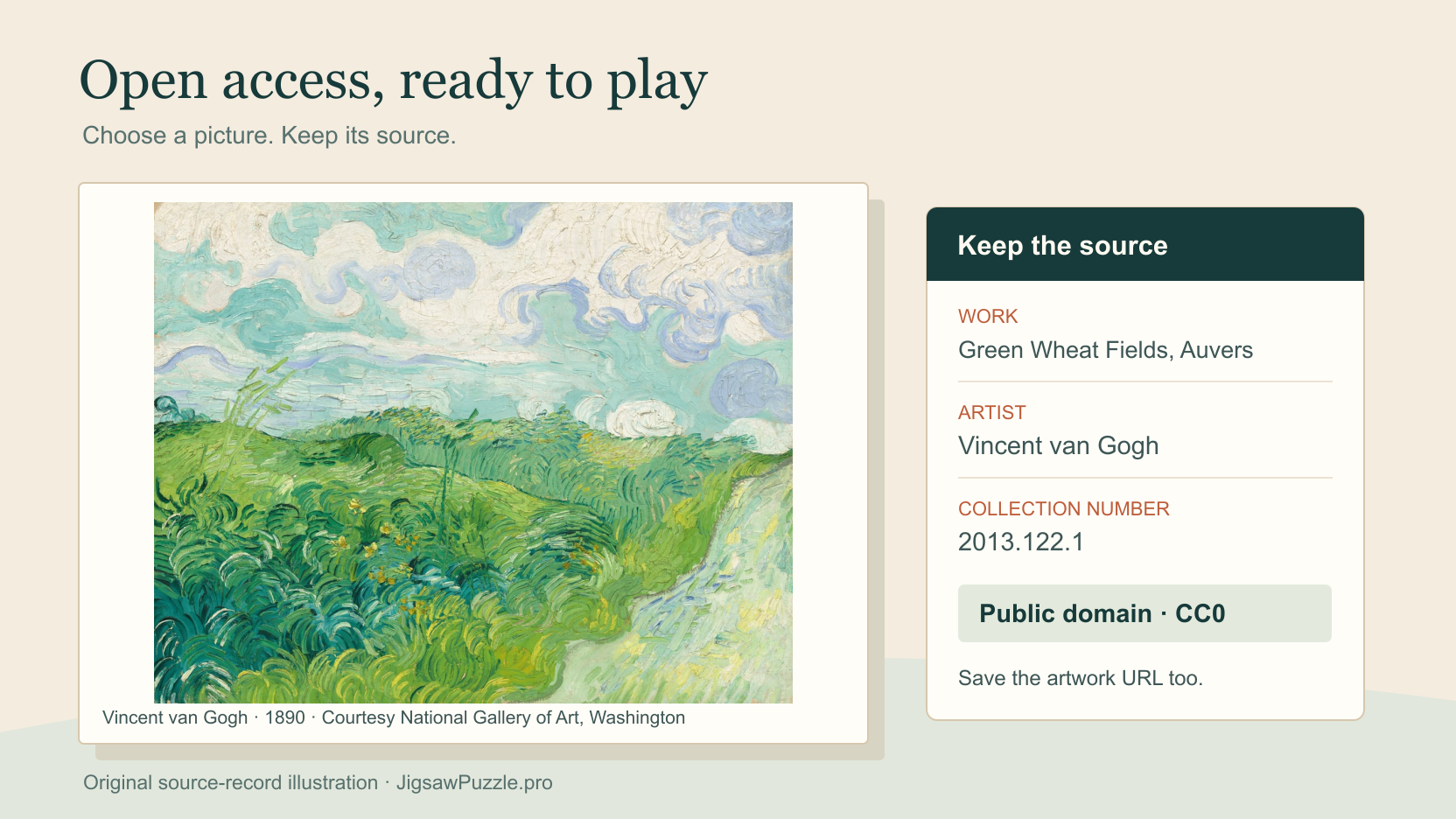
For the Van Gogh file, a useful credit names Vincent van Gogh, Green Wheat Fields, Auvers, 1890, and accession 2013.122.1, followed by Courtesy National Gallery of Art, Washington. Keep the artwork URL with it. This identifies the image even if you later rename your local copy.
The Smithsonian says CC0 assets do not require attribution, though a basic credit helps others find them. The National Gallery encourages a courtesy credit. Keep either institution’s name out of claims that it endorses your puzzle.
Prepare the image for a personal puzzle
Download the image file through the official record, keeping the original with your source note. Open it on your device to confirm that you have the intended artwork. A browser screenshot may include page controls or only part of the painting.
For framing and cropping, use the separate photo puzzle image guide.
Open access art puzzle images enter JigsawPuzzle.pro through the same DIY flow as a photograph. Select the downloaded file on your device and choose a piece count. A JPEG under 20 MB fits the supported upload requirements. Begin with 12 or 24 pieces to try the picture.
Choose your downloaded image in the DIY puzzle maker.
Use a sourced painting with six art observation questions and a printable record sheet.
For this guide, the National Gallery’s Van Gogh JPEG reached a 12-piece board in Chrome. We moved a piece and opened the complete reference image. The file used for that test was the official download.
The maker creates a playable browser board. Keep your downloaded file and source note separately, since the game does not create a museum credit record for you. You can use those files again when starting a fresh puzzle on another device.
Follow the complete photo-to-puzzle tutorial for the remaining steps.
Sources and further reading
Frequently asked questions
Next move
Make a puzzle with your chosen image
Keep the image and its source record together, then select the file in the DIY maker.