
 01
Science activities5 min read
Trace a Simple Circuit
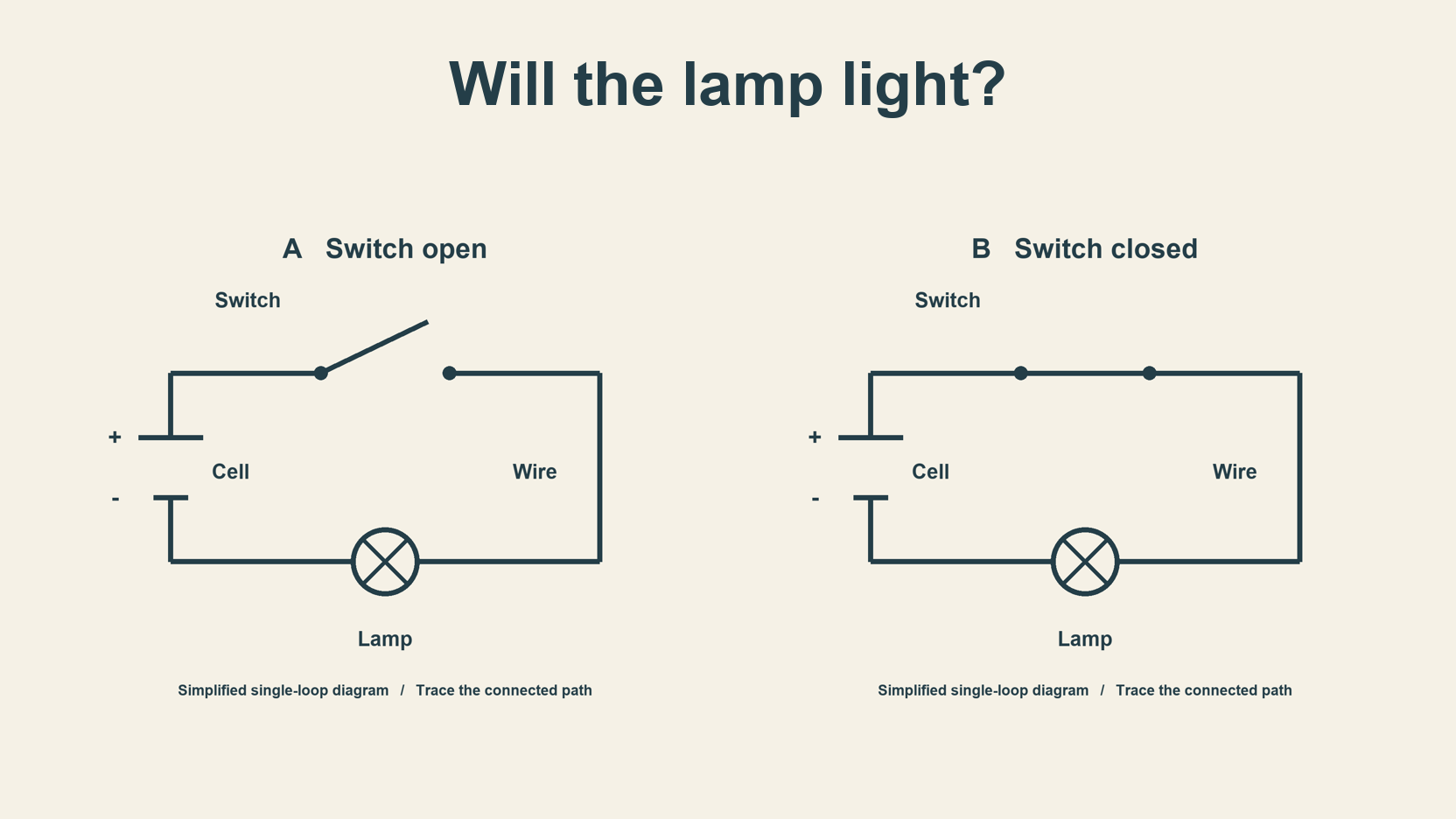
Compare two original circuit diagrams, rebuild each image and explain whether the lamp can light by tracing the connected path.
Read guide
Practical field notes for building a better board, choosing a meaningful image, and making the next piece feel less like a guess.
01Compare two original circuit diagrams, rebuild each image and explain whether the lamp can light by tracing the connected path.
 02
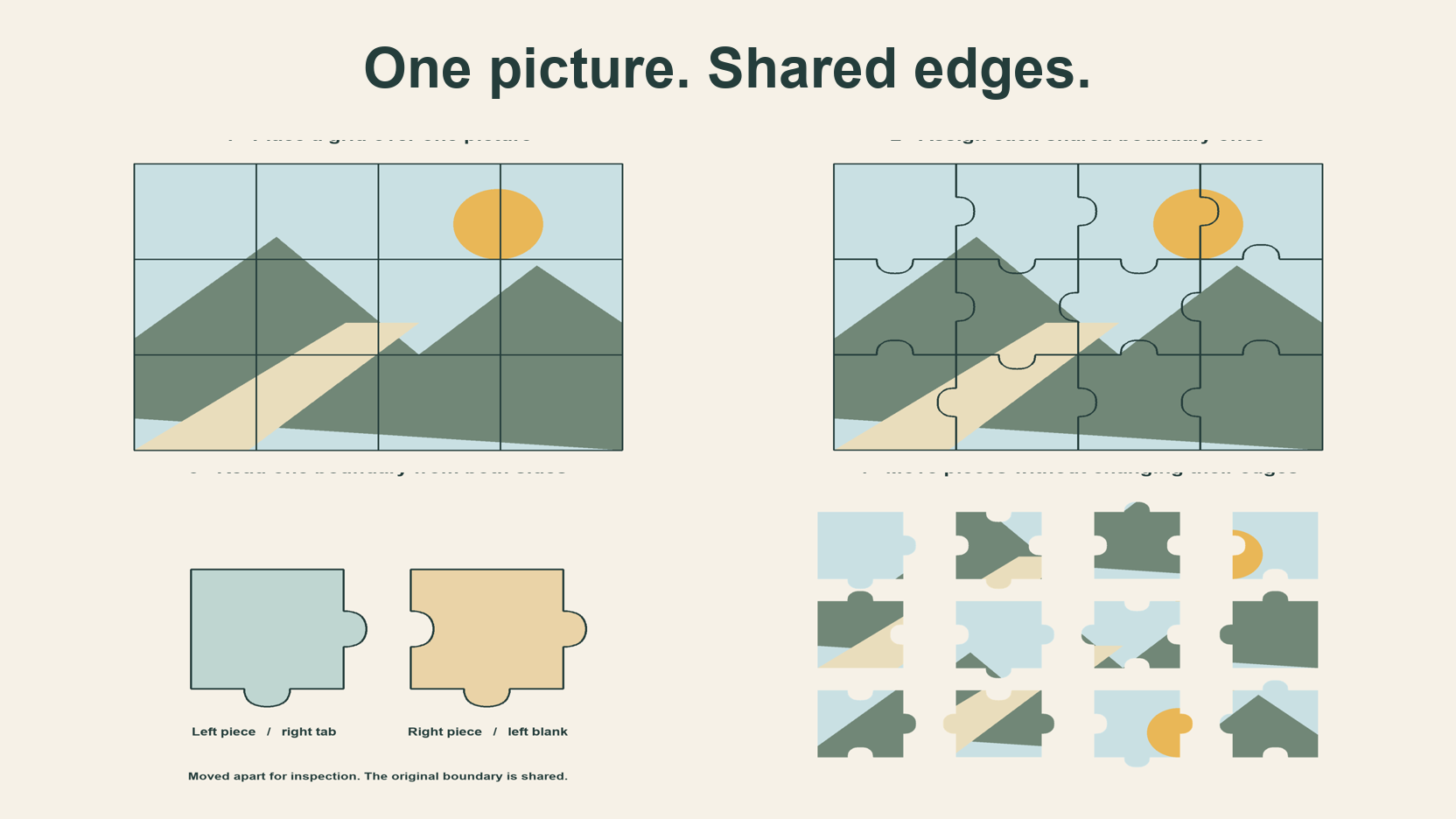
Follow four original diagrams from a picture grid to complementary tabs and blanks, then see what changes when pieces move.
 03
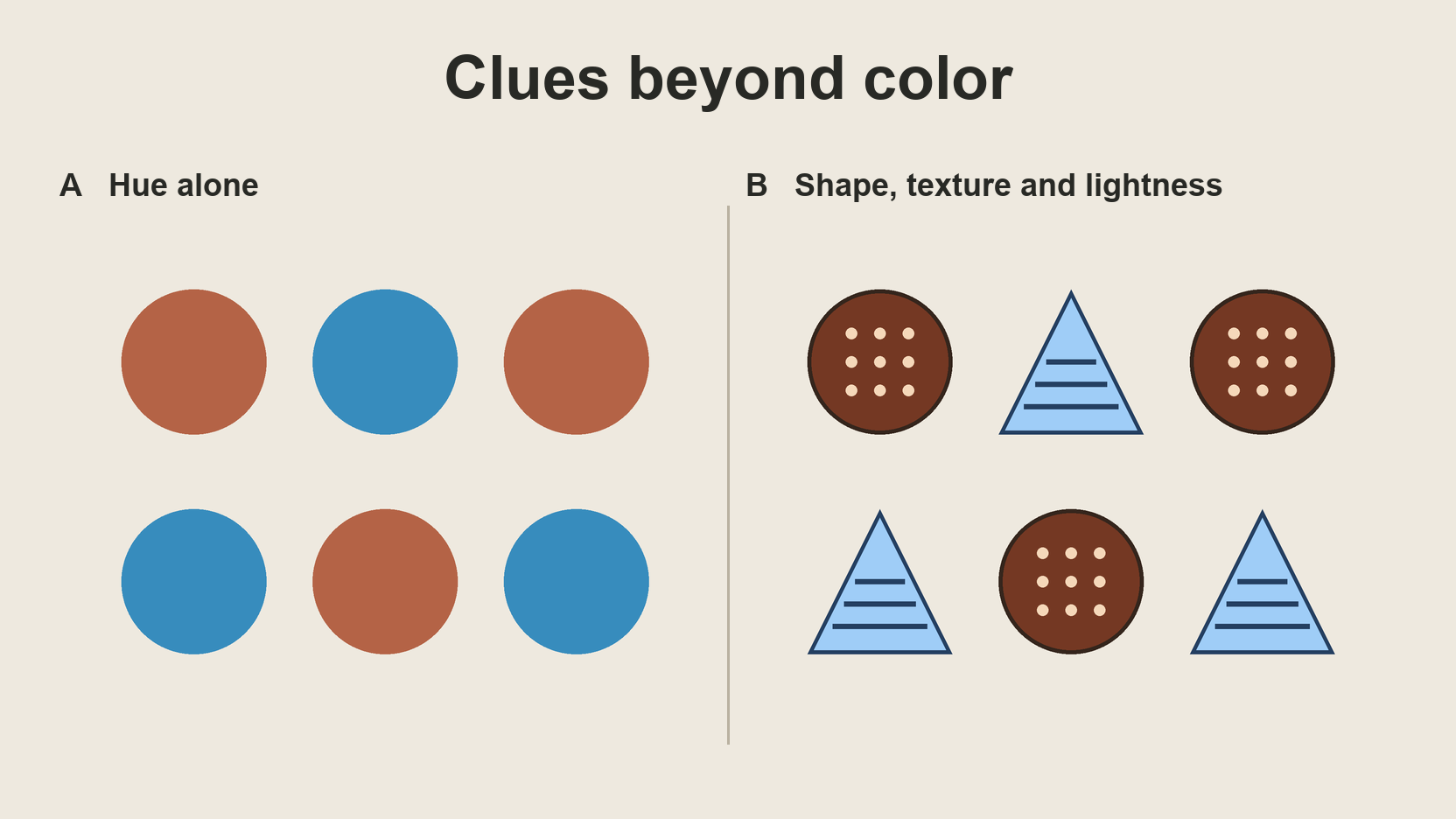
Compare two original images and their grayscale previews to see how shape, texture and lightness can carry a clue.
 04
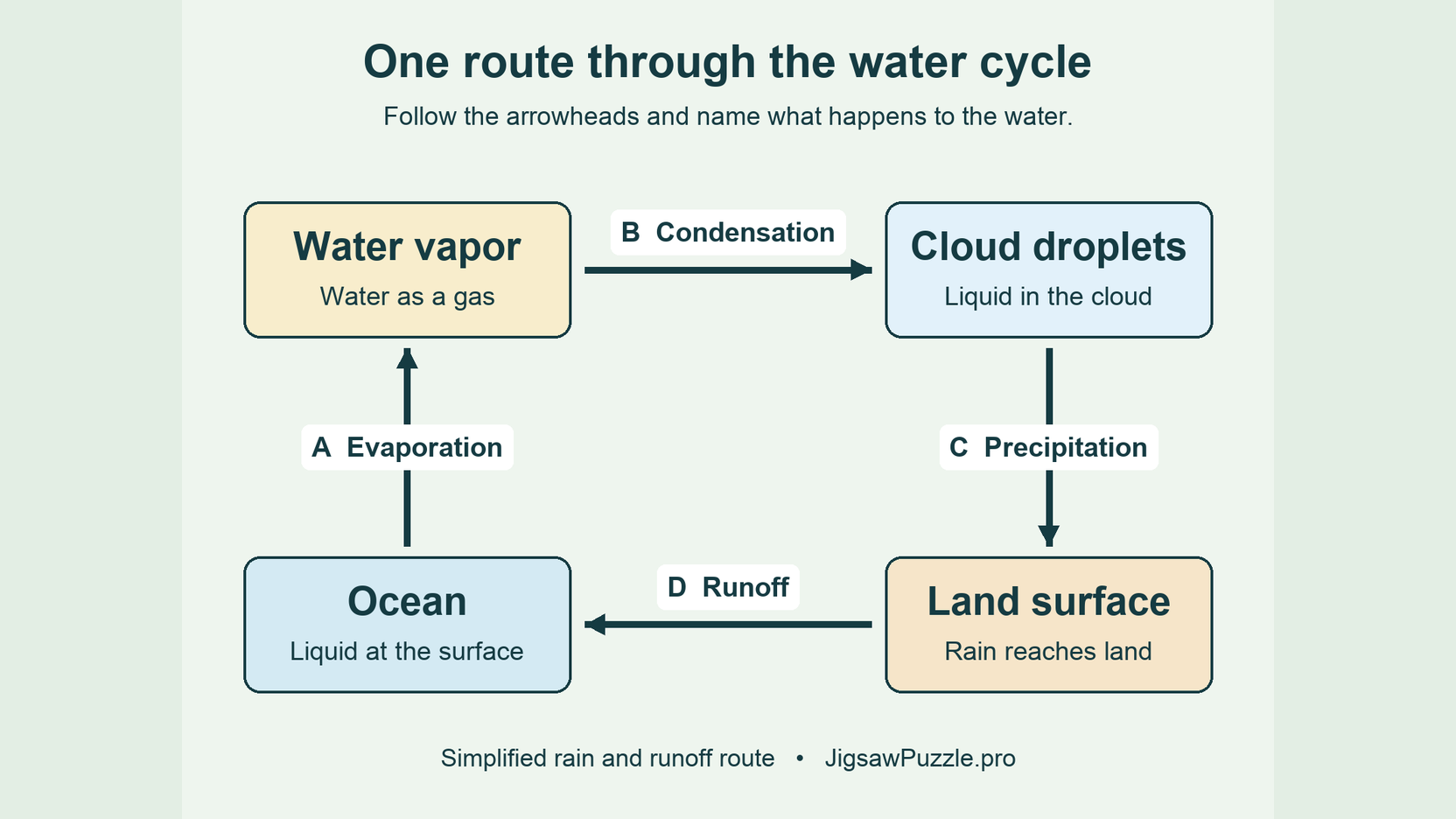
Rebuild an original water cycle diagram and use five arrow questions to check how well you can explain the route.
 05
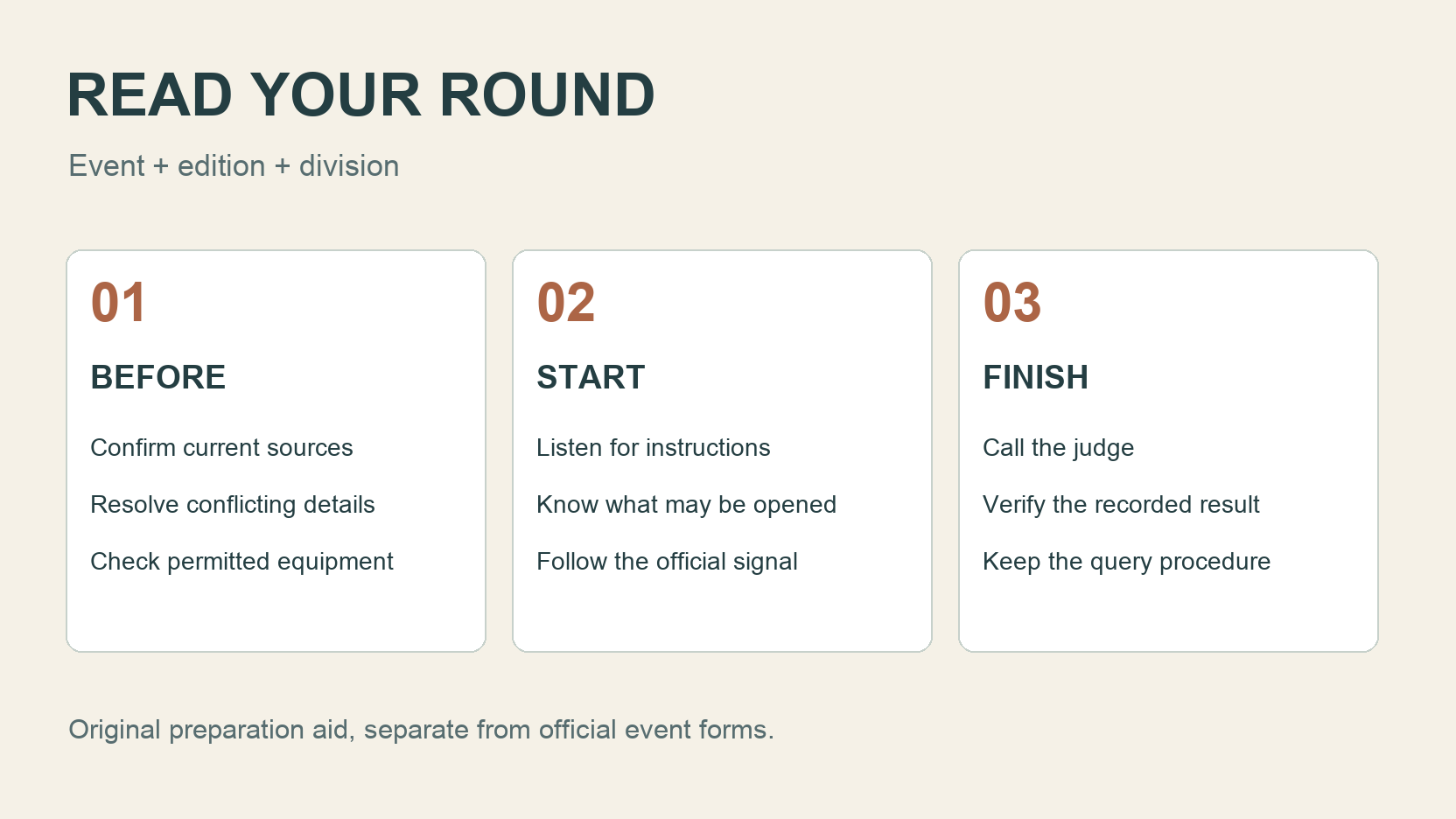
Read the 2026 WJPC documents with a before, start and finish checklist, an explicit schedule discrepancy and a carefully labelled USAJPA comparison.
 06
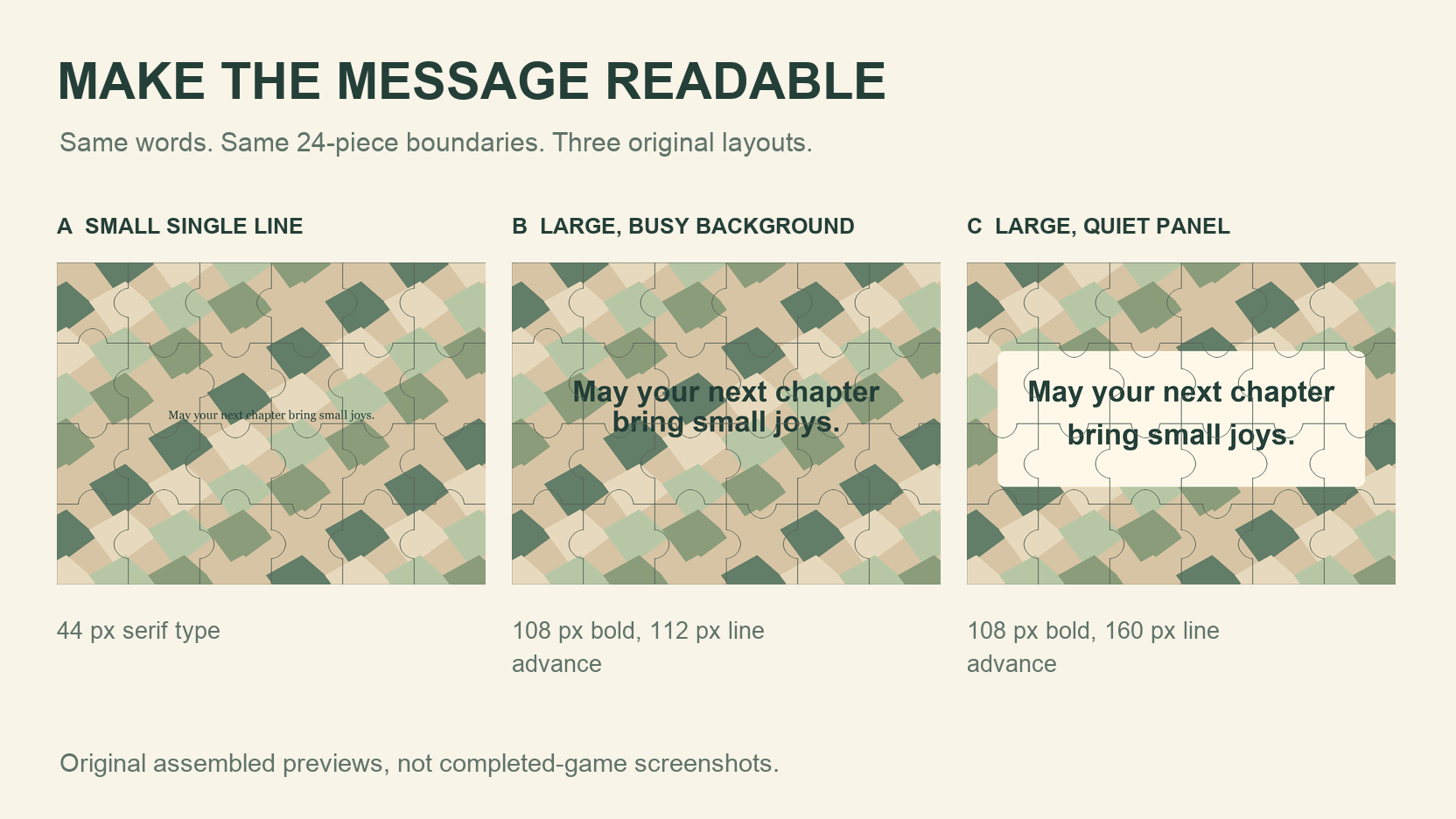
Compare three original layouts of one short blessing on the same 24-piece frame, then download a finished image and test it at the size someone will see.
 07
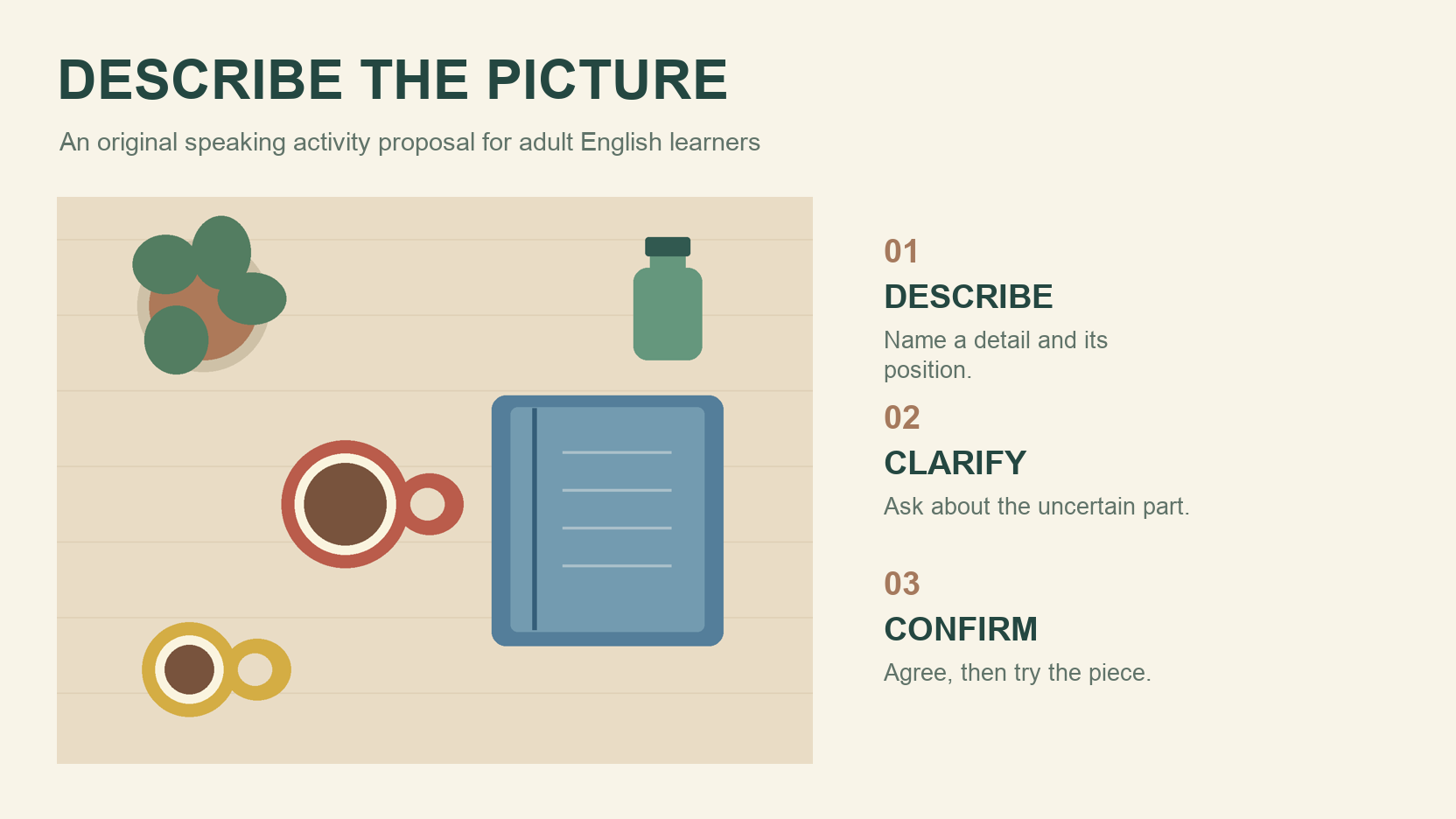
Try an original adult speaking activity with ten useful expressions, five follow-up questions, a scripted dialogue and a read-aloud activity sheet.
 08
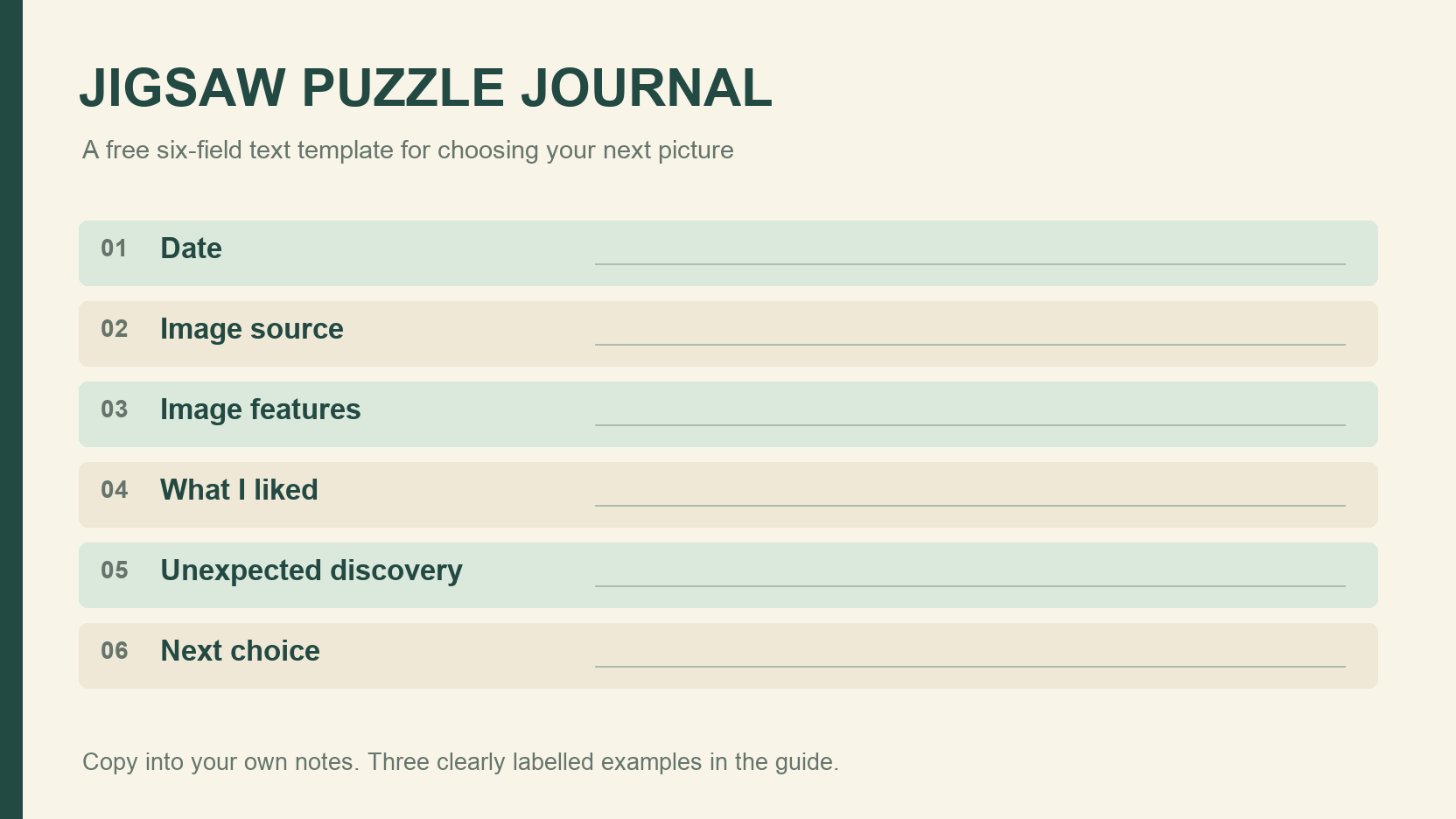
Keep a short record of picture details, preferences and surprises, then use three clearly labelled examples to choose your next jigsaw image.
 09
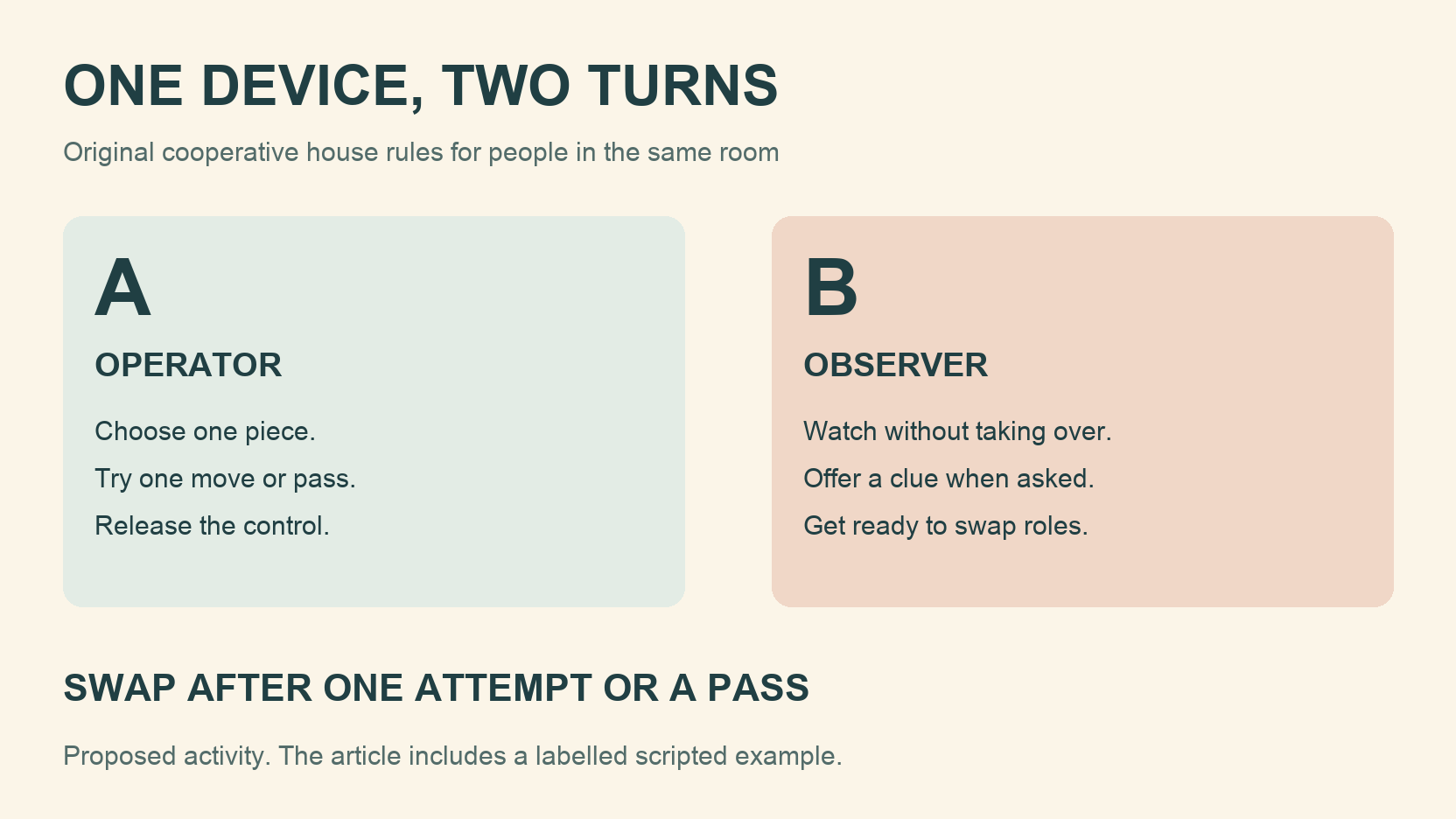
Try an original cooperative rule card for two people sharing one screen, with clear handovers, a pass rule, scripted rounds and a participation feedback sheet.
 010
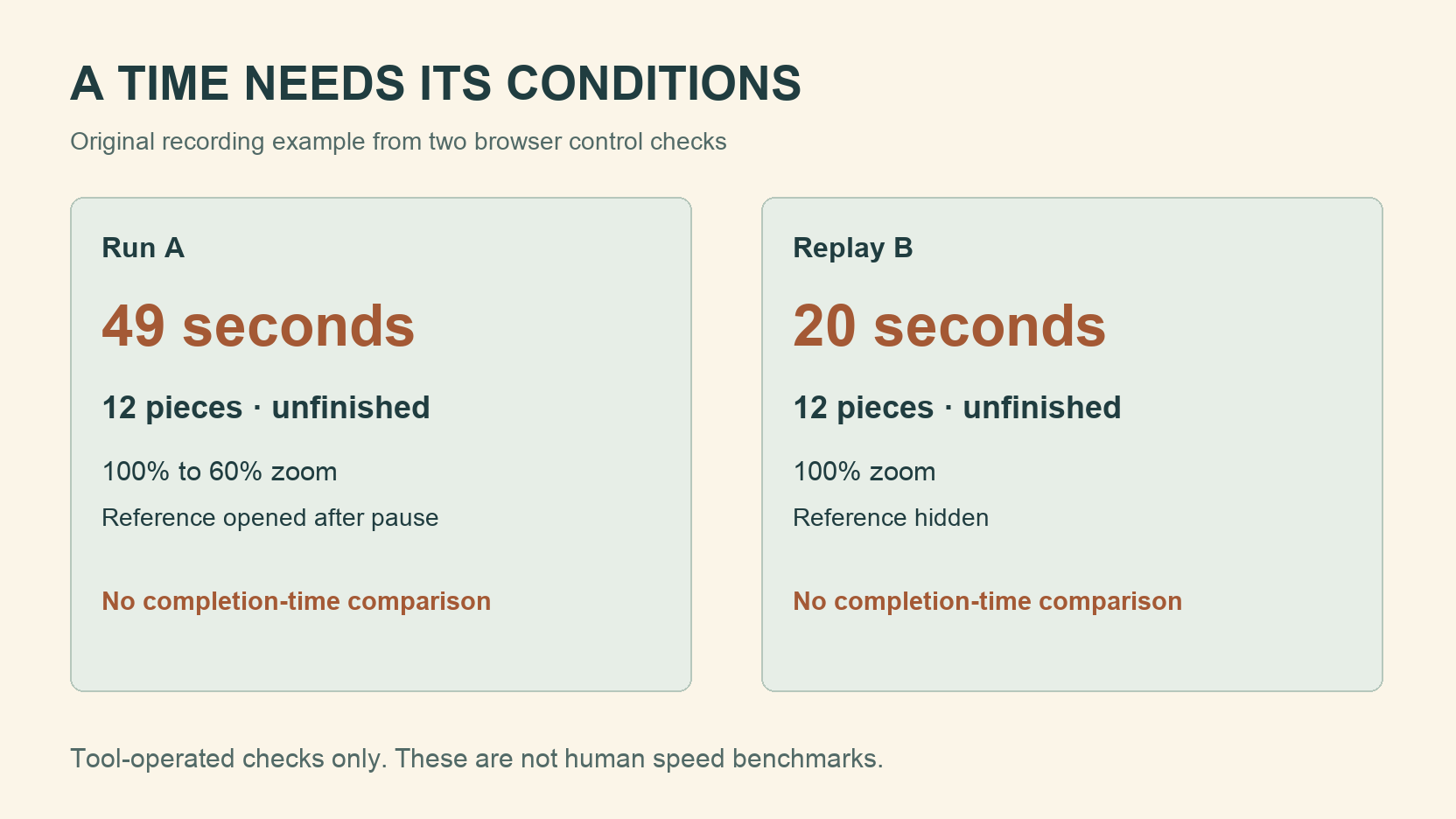
Keep a useful personal practice record with the picture, piece count, device, reference rule and interruptions beside each time. Separate replays from first attempts.
 011
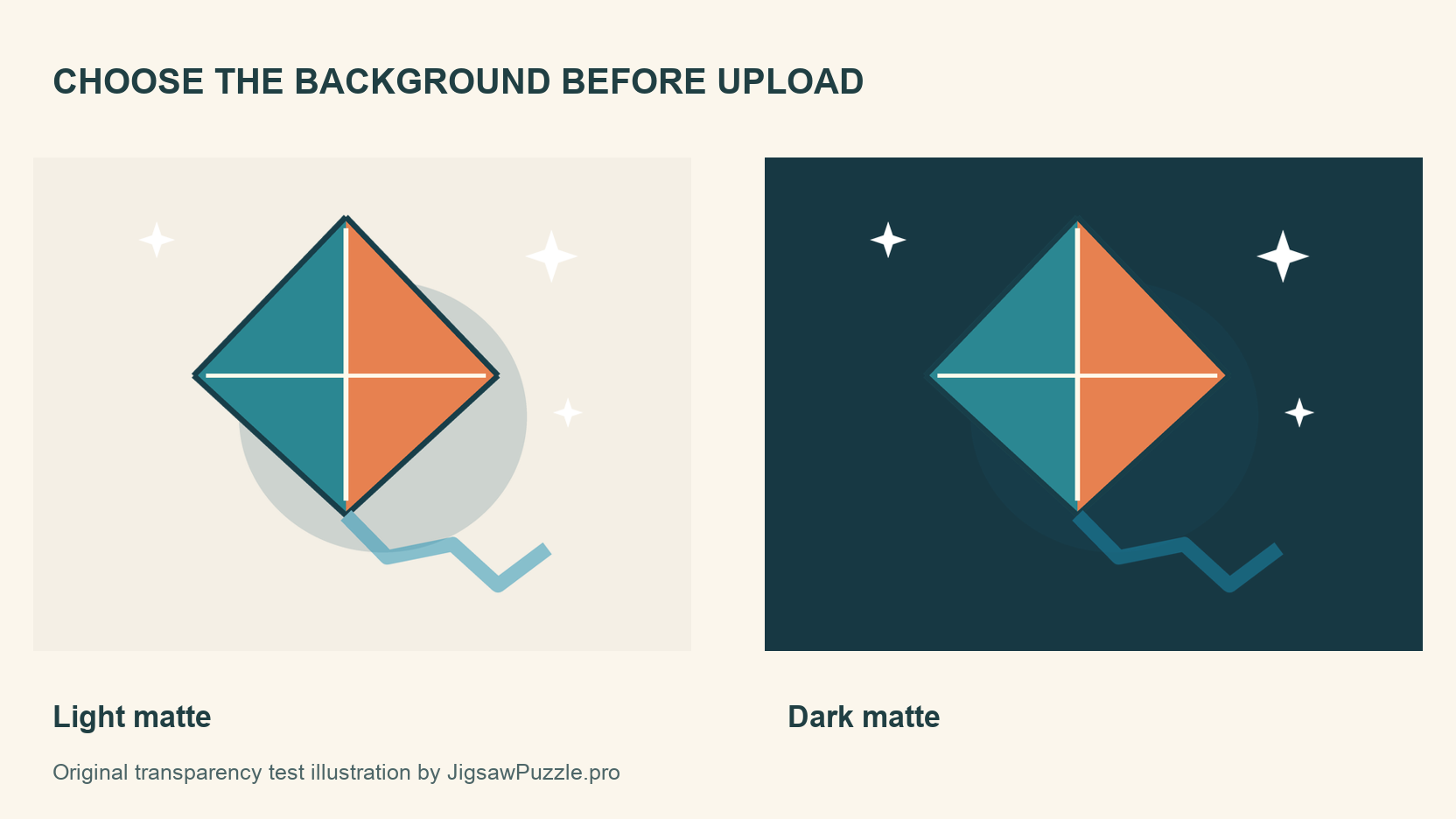
Compare one original transparent illustration on light, dark and textured backgrounds, then check the actual JPEG output before making a photo puzzle.
 012
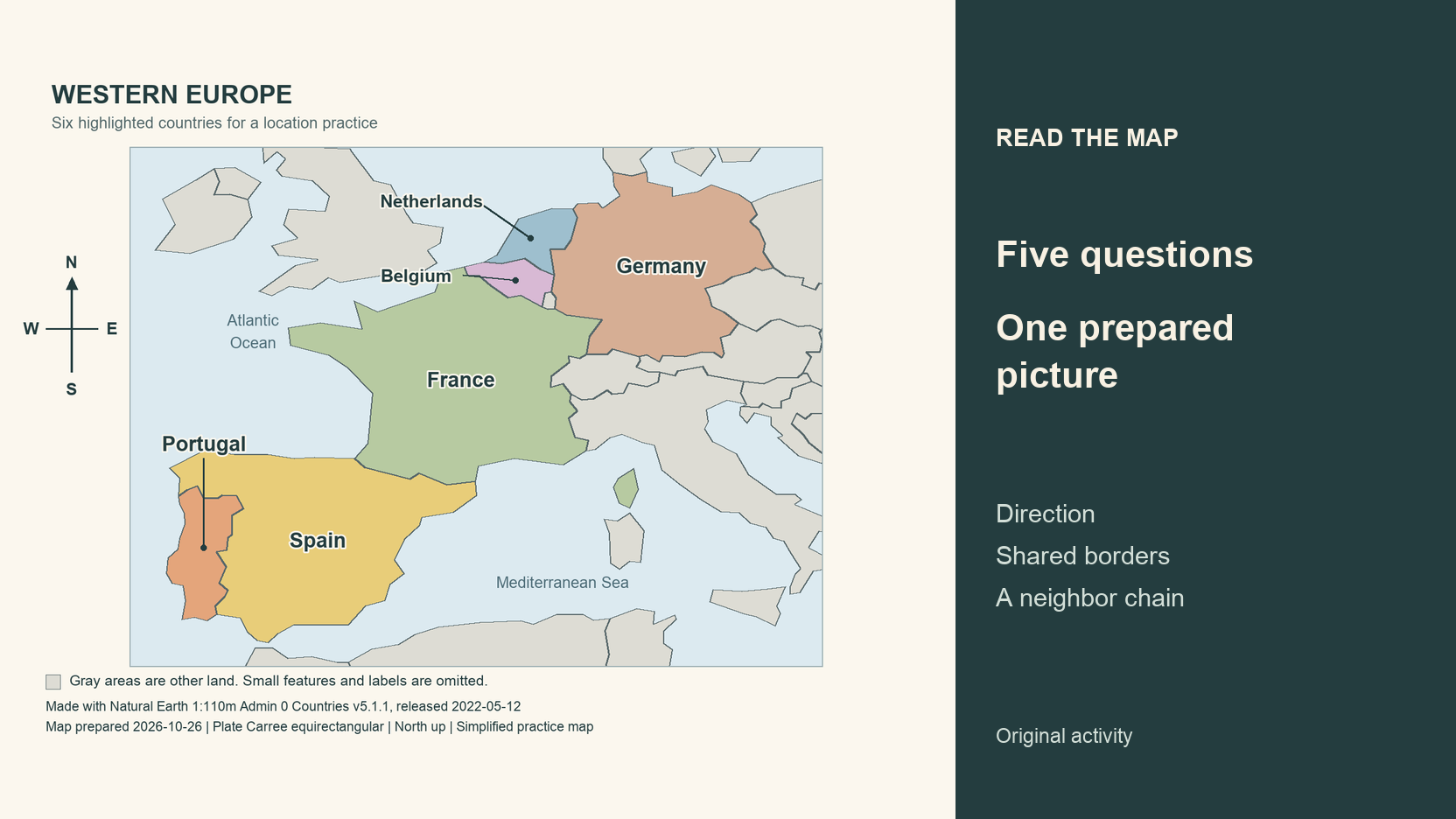
Use a prepared Western Europe map, five location questions and a checked answer key to practice directions, shared borders and a chain of neighboring countries.
 013
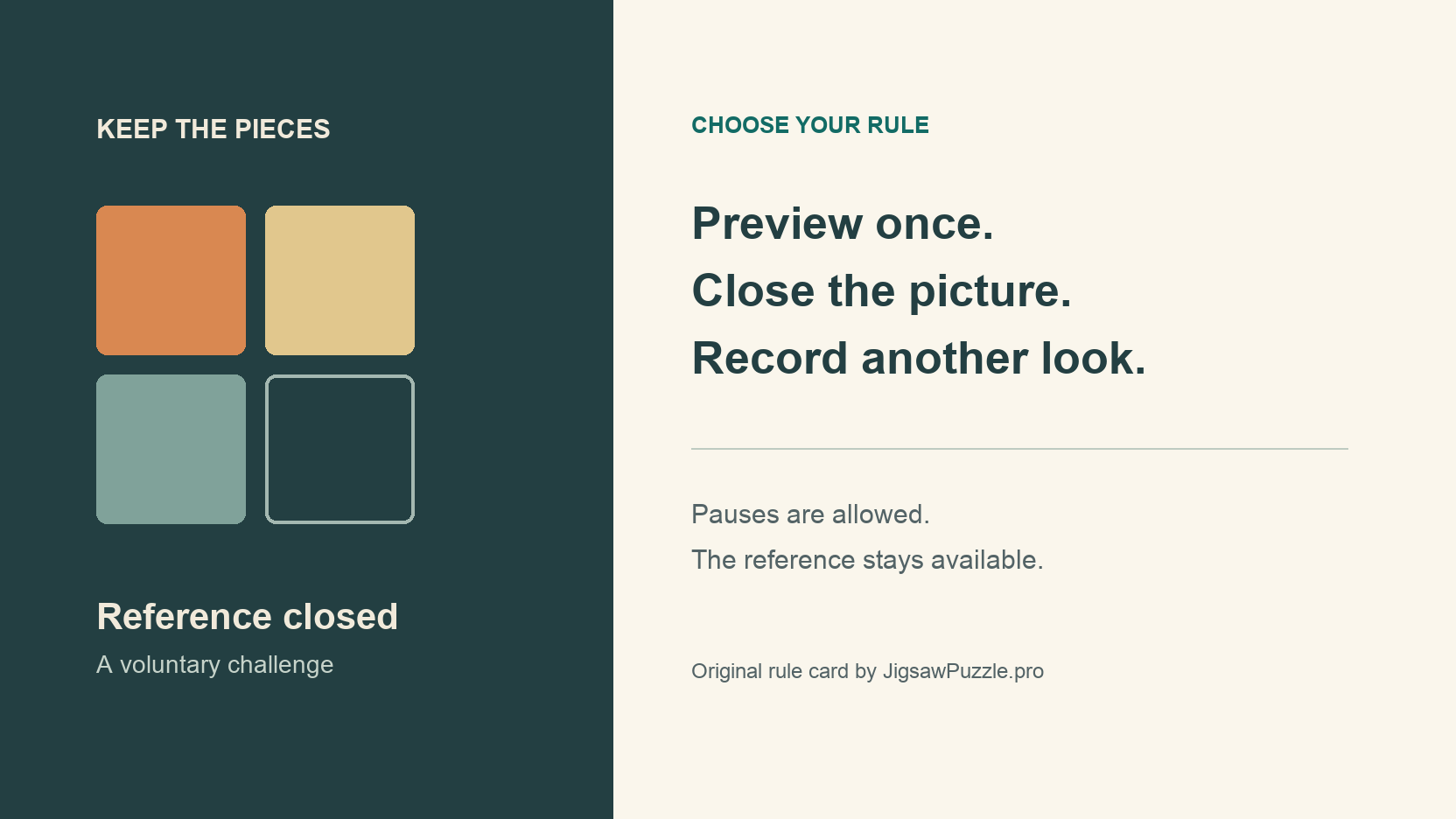
Try a voluntary reference picture challenge with a preview rule, pauses and an honest record of every return to the image.
 014
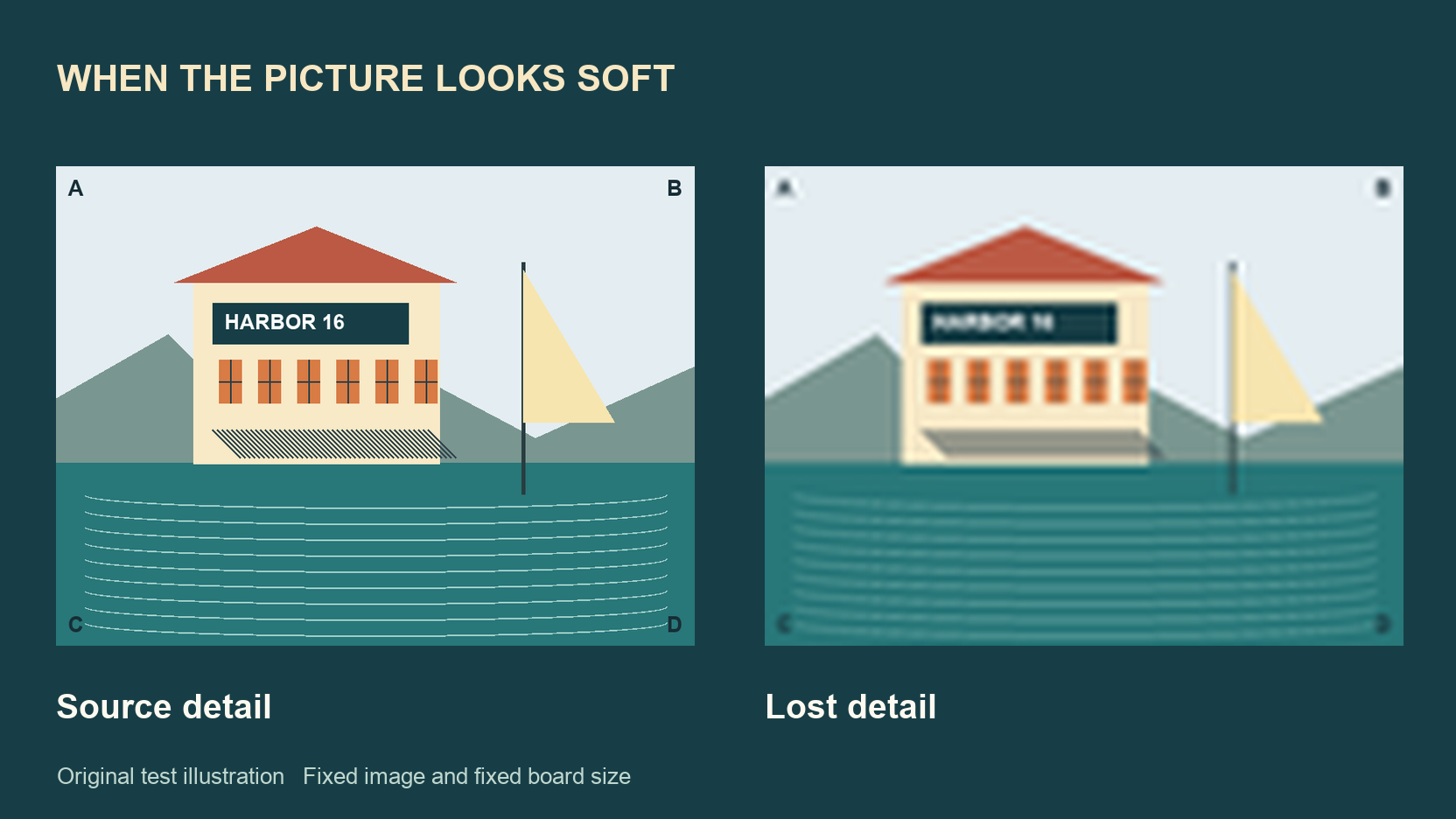
Compare three controlled tests that separate missing source detail, JPEG damage and display enlargement while keeping the picture and board fixed.
 015
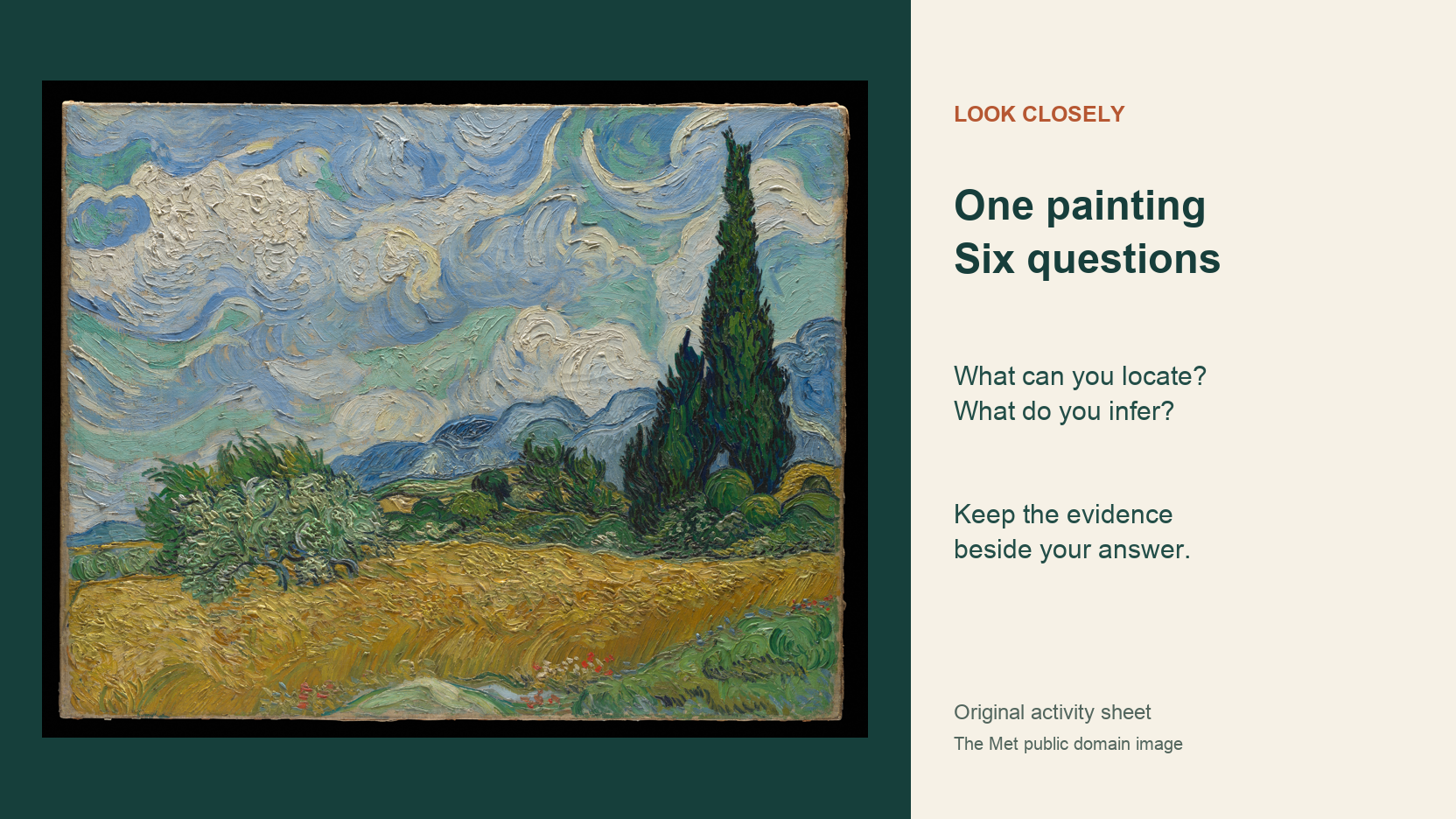
Try six original observation prompts with a public domain Van Gogh painting, then compare what you can see with what you think it means.
 016
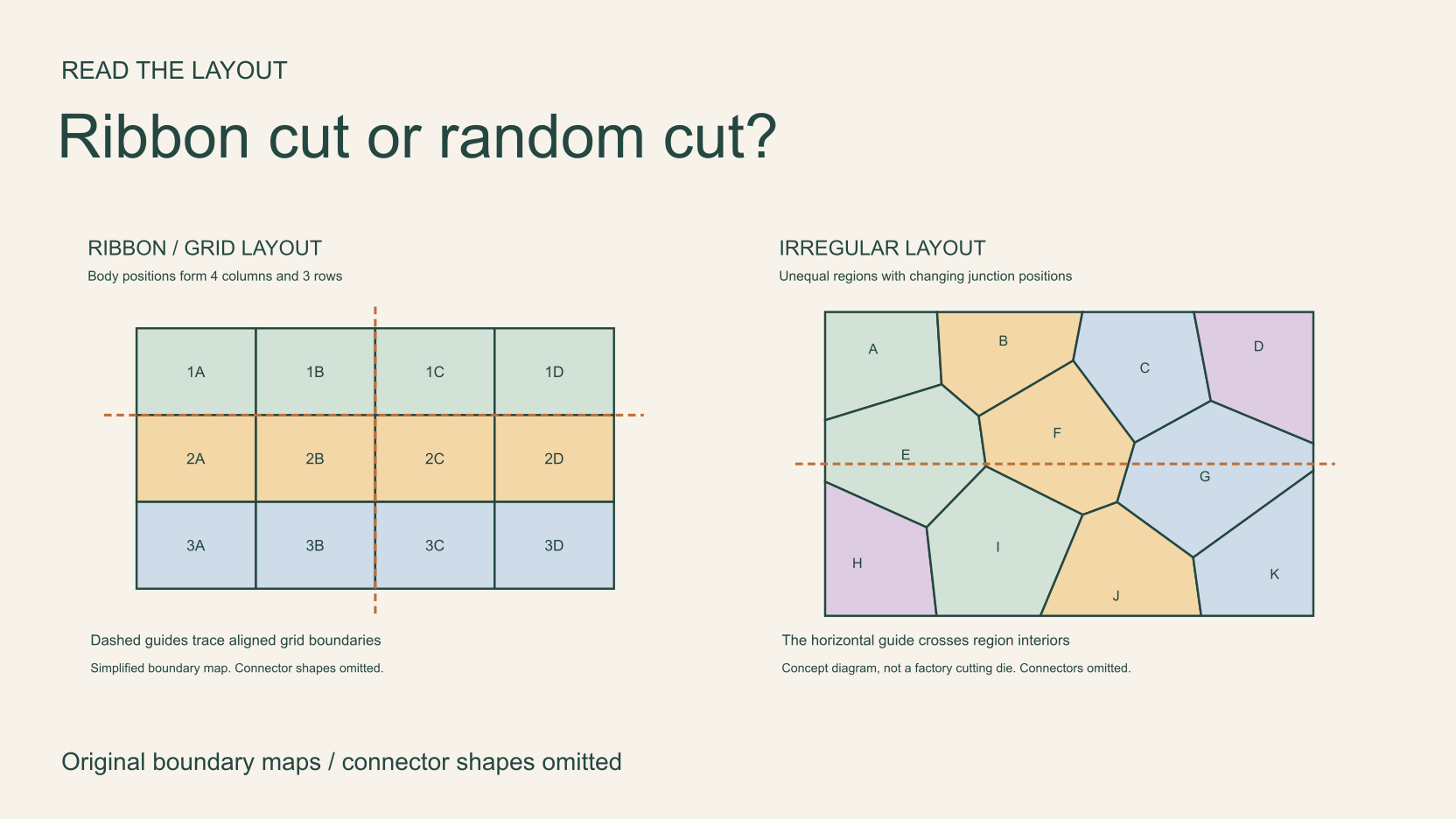
Trace rows and boundaries in two original diagrams, separate connector direction from layout, and identify the grid used by JigsawPuzzle.pro.
 017
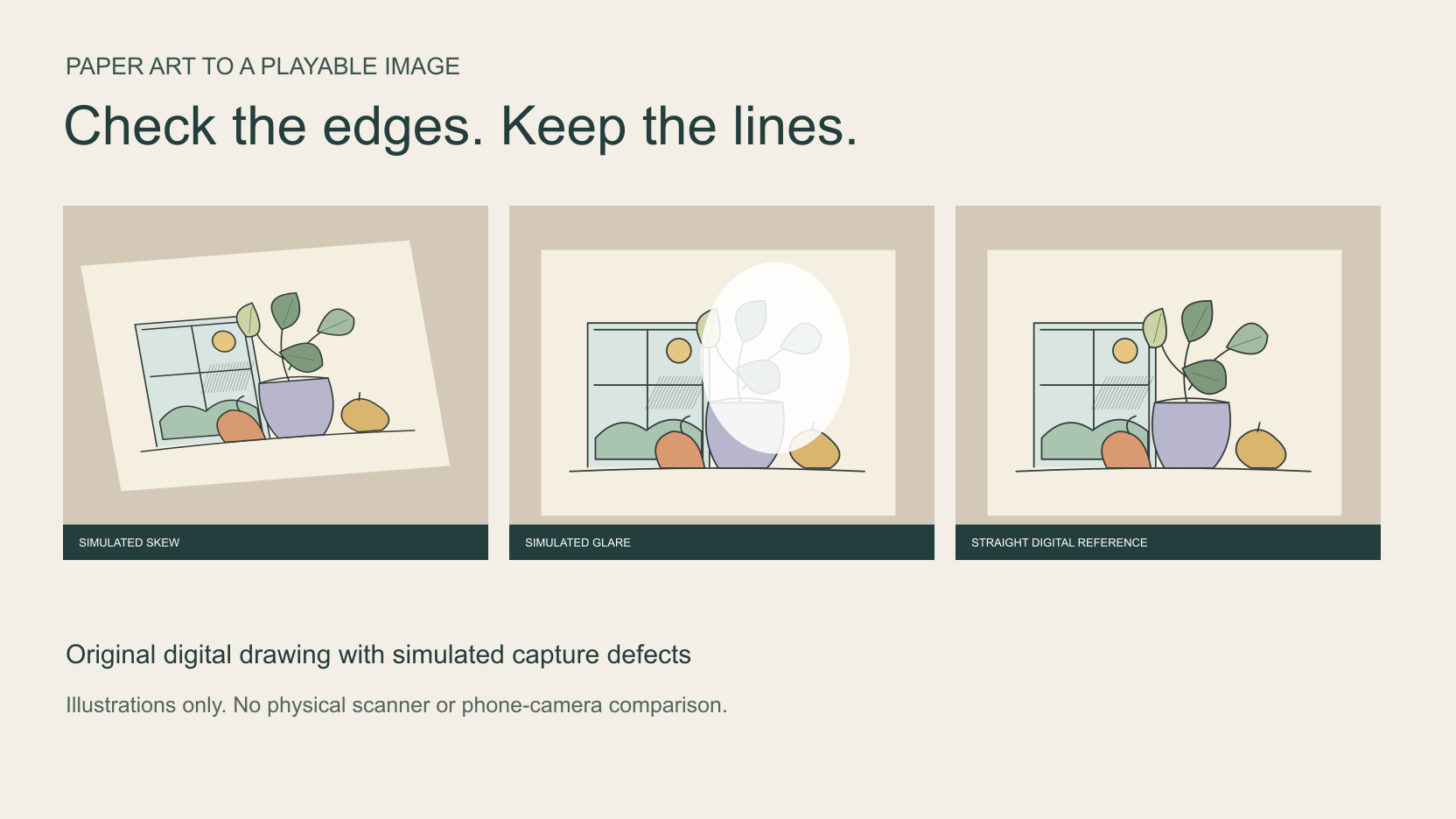
Prepare your own artwork for a browser puzzle, compare clearly labelled skew and glare simulations, and keep fine lines in the finished image.
 018
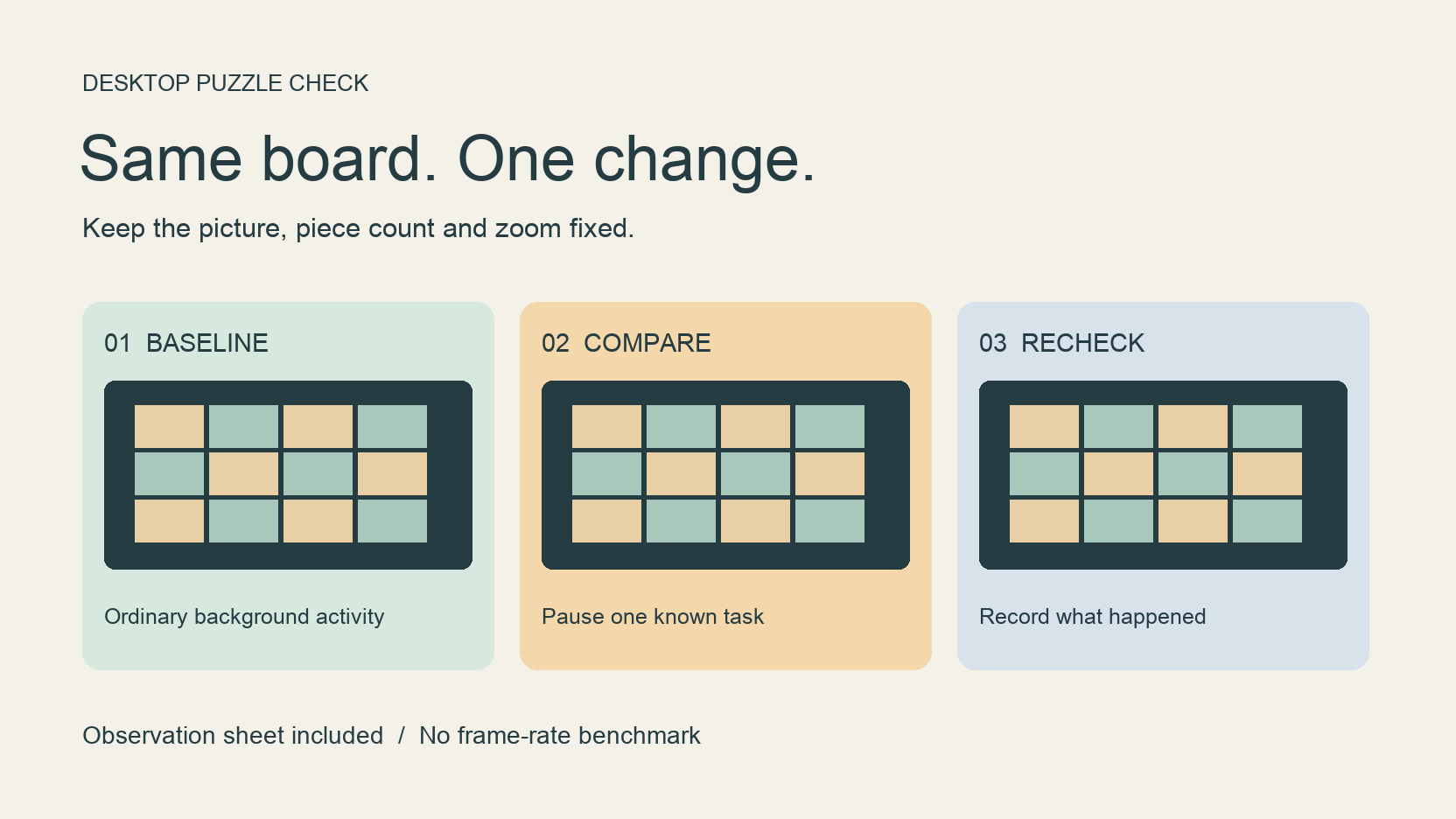
Compare the same board under different background conditions, keep a useful test record, and separate sluggish dragging from a puzzle that never loads.
 019
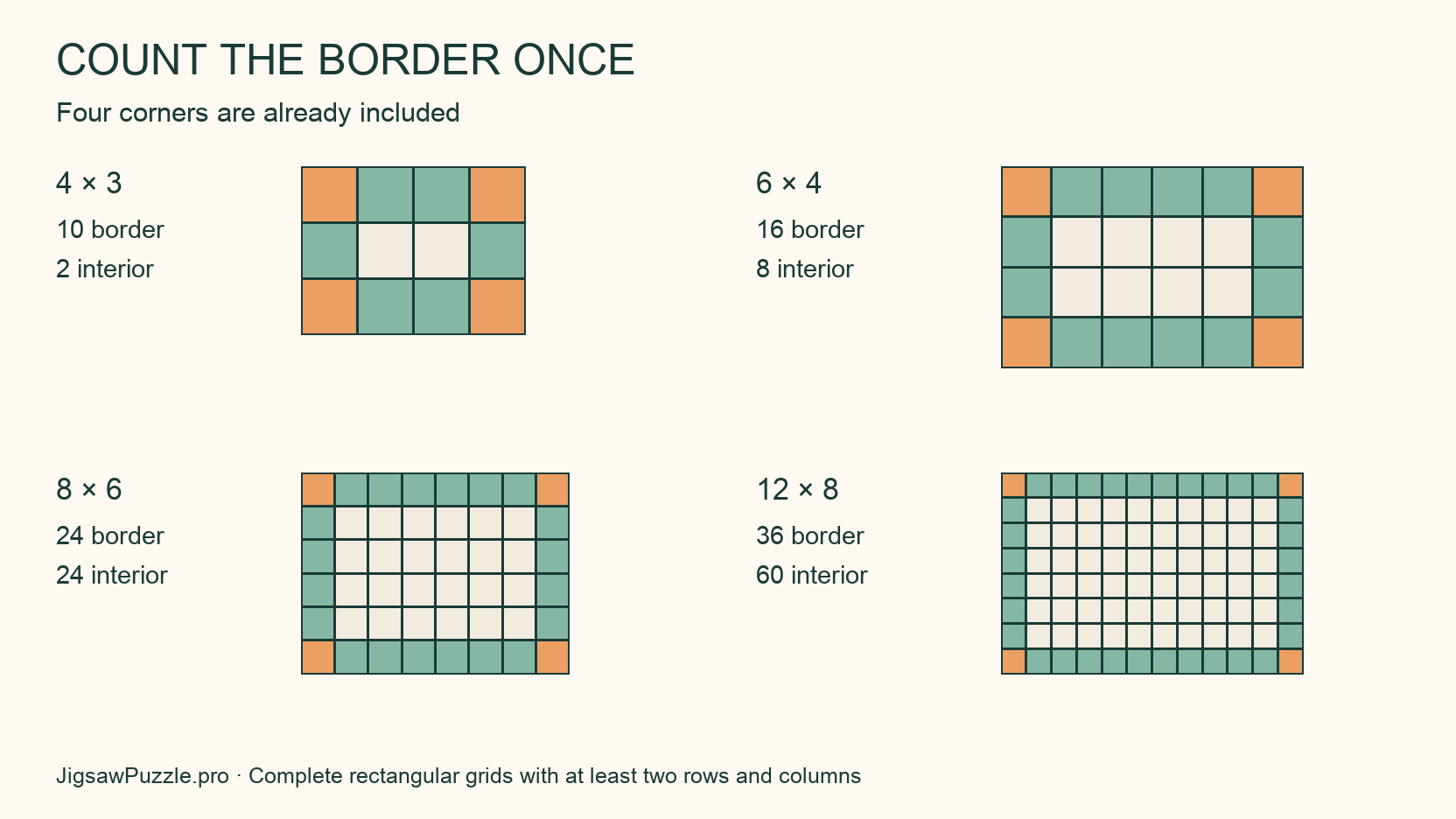
Calculate border, corner and interior pieces from a rectangular grid, with four original diagrams and checked counts for the site’s real boards.
 020
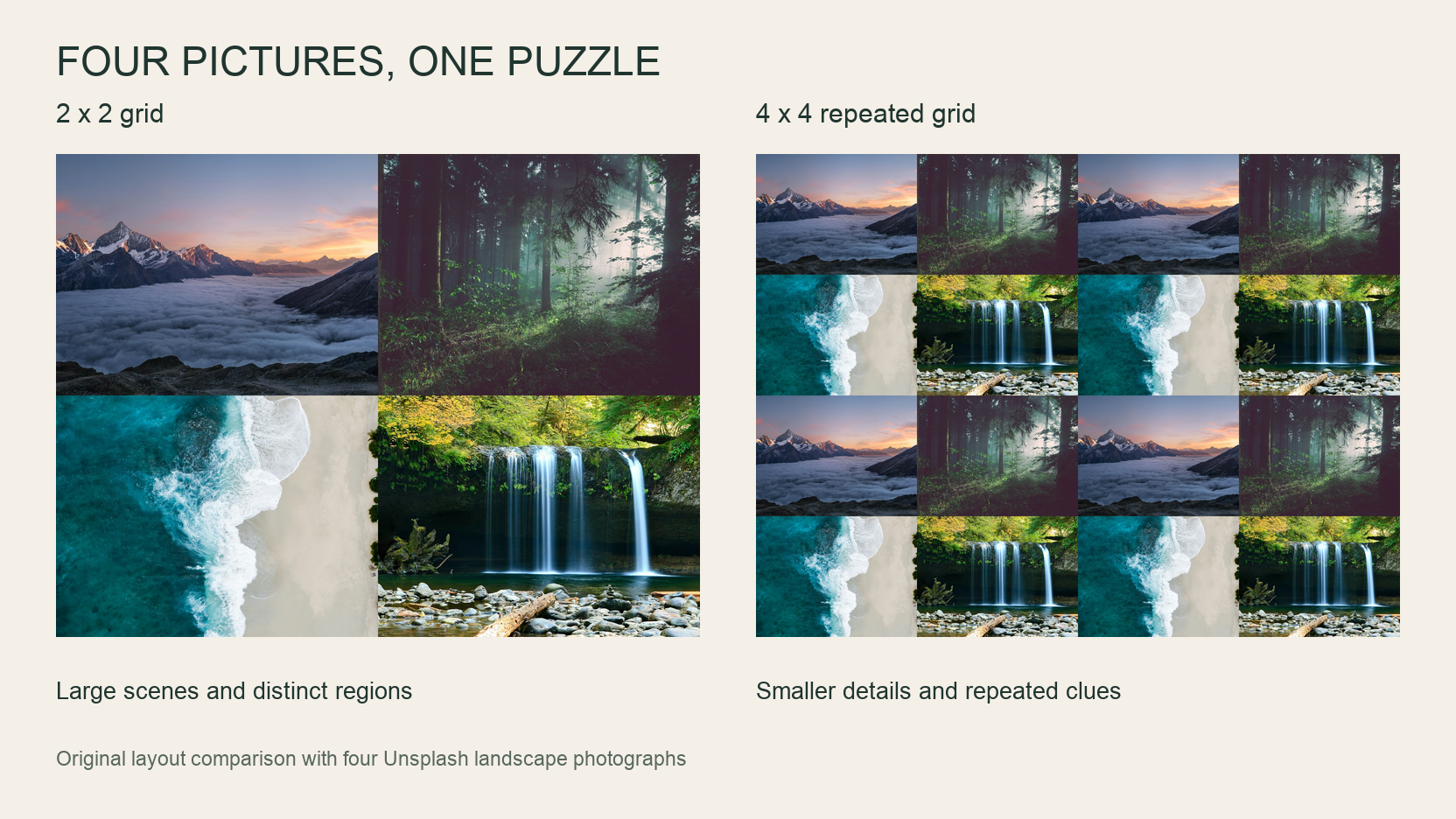
Arrange four photos into one image, compare a crowded layout, and test the exported JPG as a playable browser puzzle.
 021
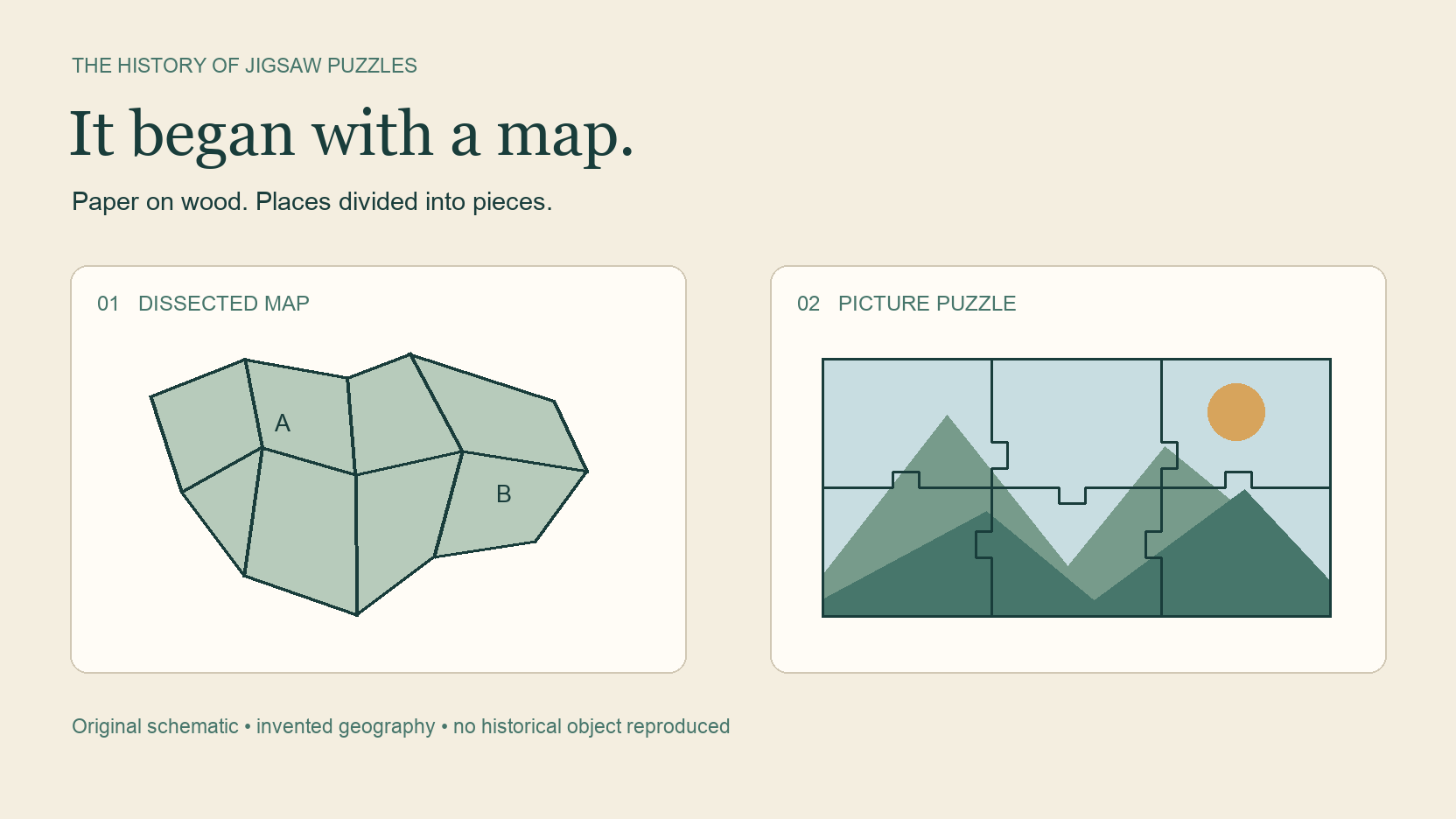
Follow jigsaw puzzles from wooden geography lessons to picture puzzles, with surviving museum objects and a timeline that separates dates from attribution.
 022
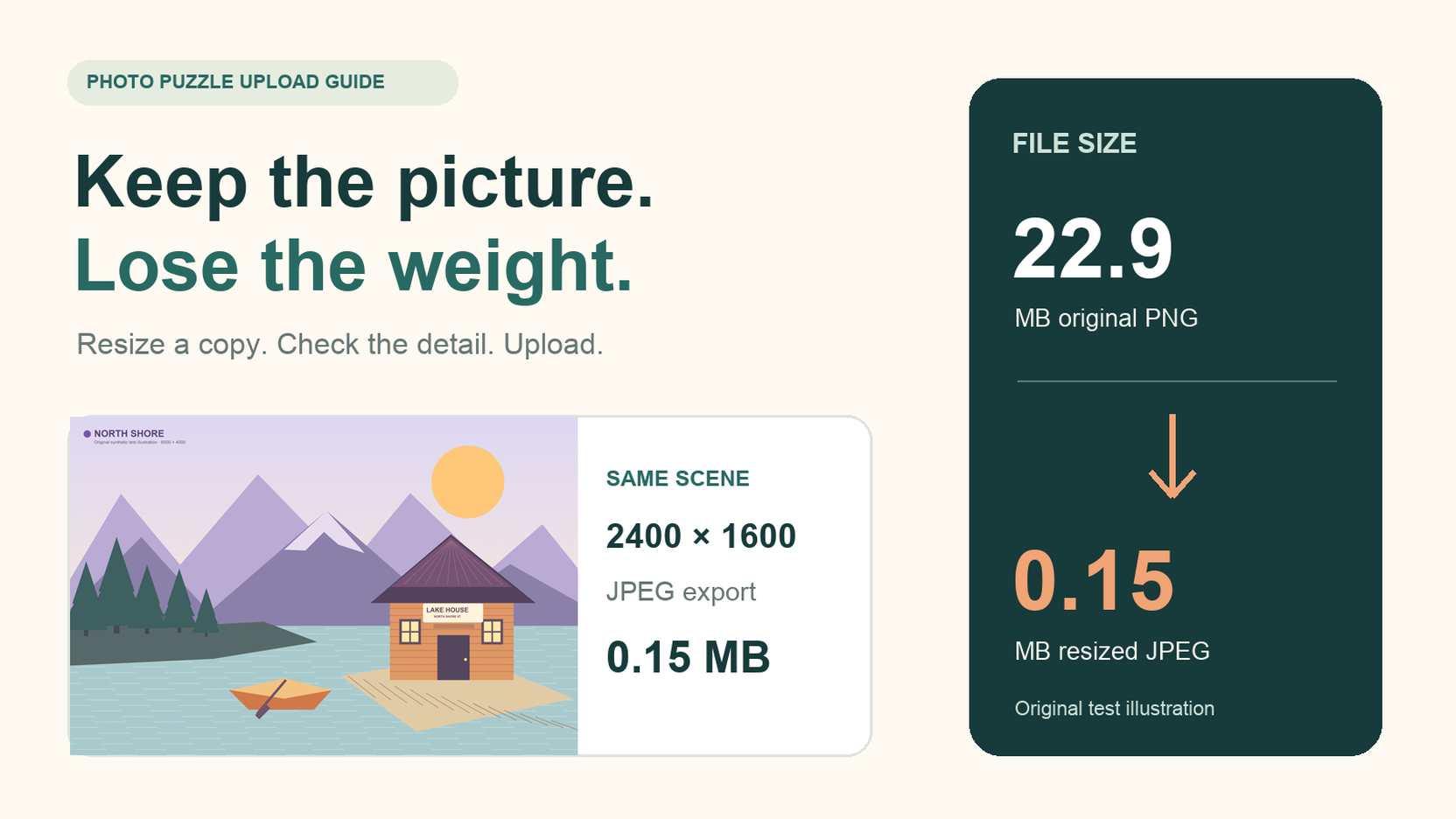
Fix the photo puzzle file too large error with a smaller copy, a clear explanation of the 20 MB limit, and two measured image exports.
 023
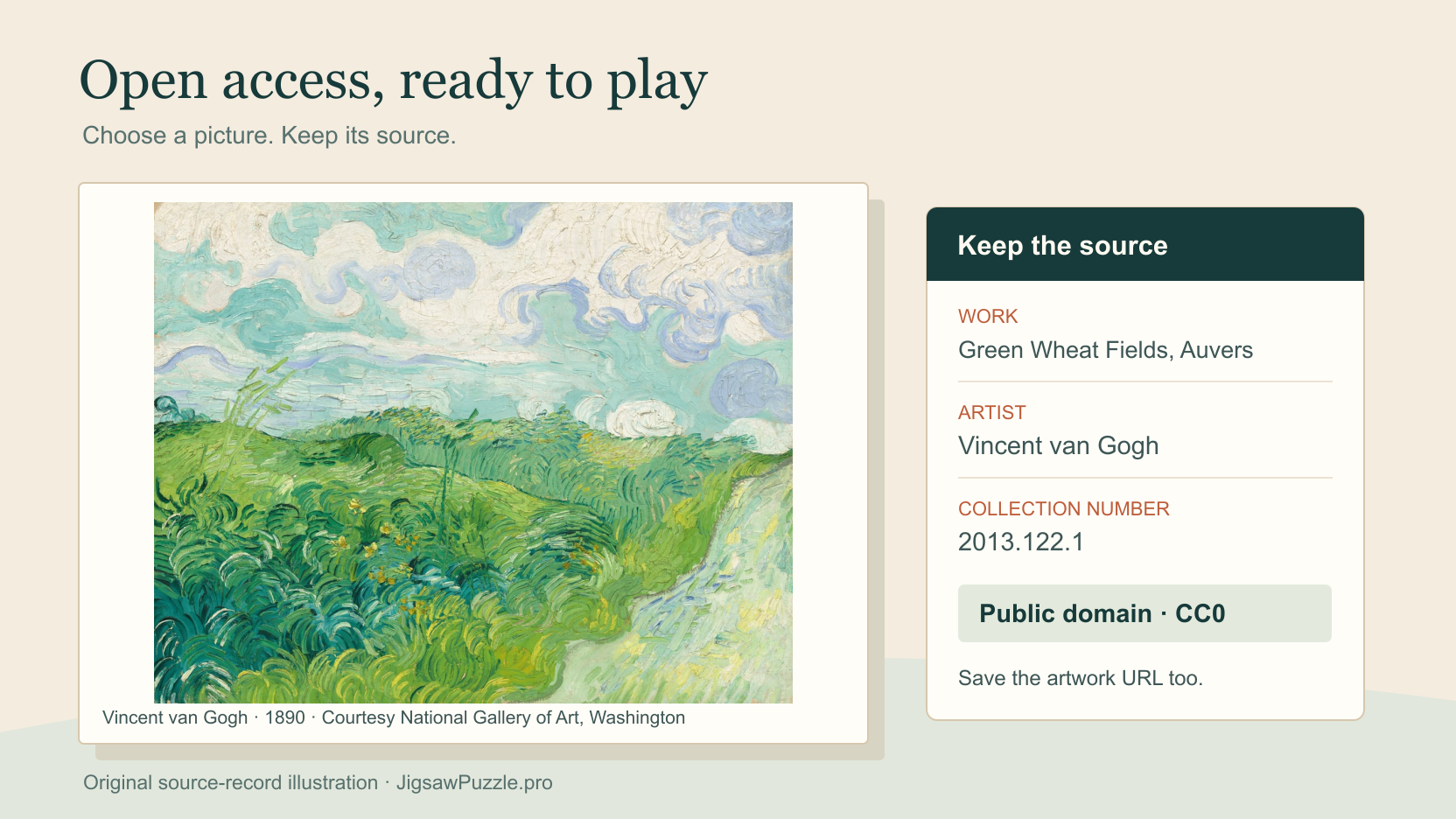
Find museum images you can reuse, check three real artwork records, and keep the source details before making a personal browser puzzle.
 024
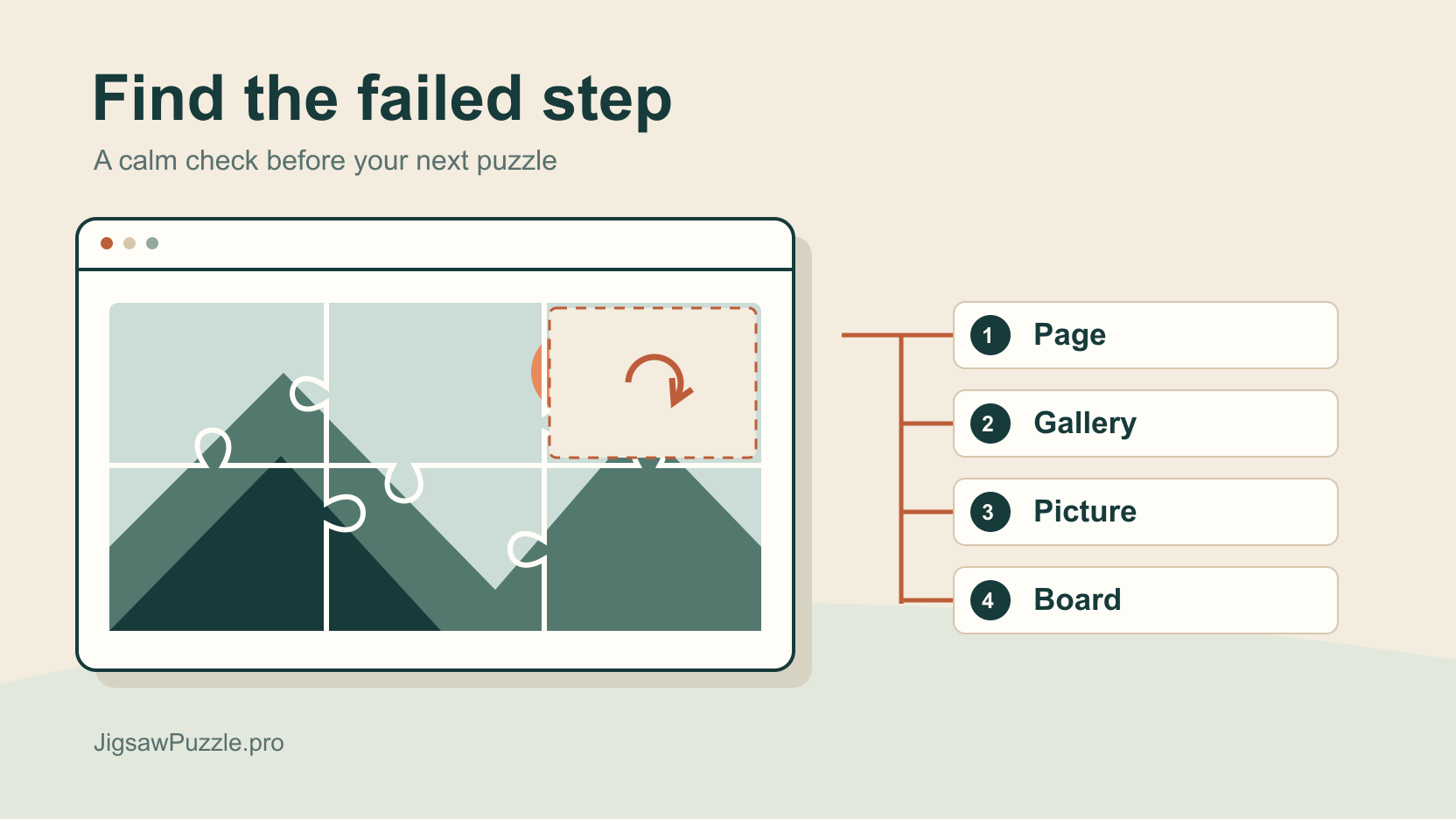
Find where loading stopped, compare a gallery picture with a fresh JPEG, and record the result without starting by deleting your saved boards.
 025
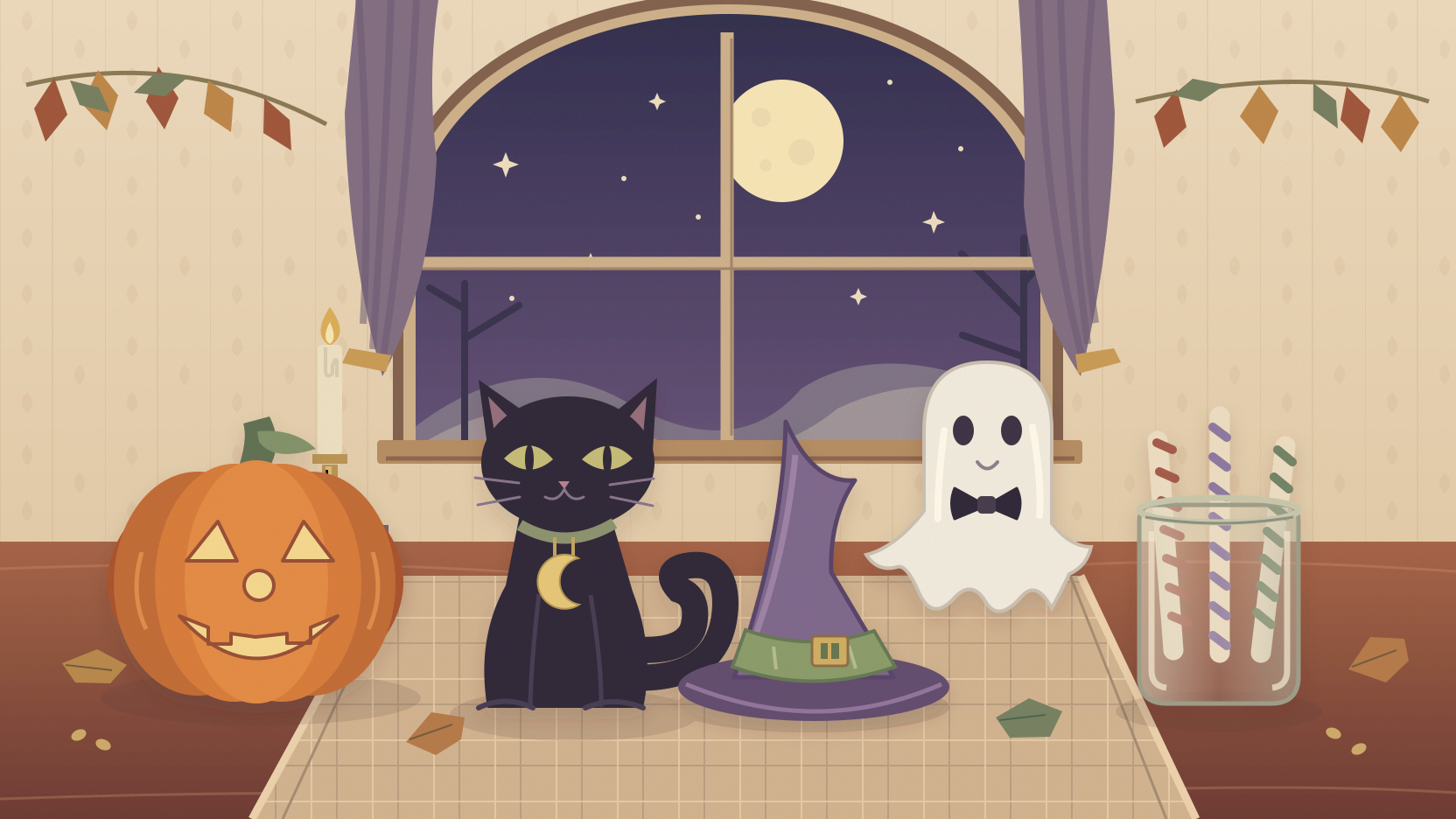
Host a Halloween puzzle night with an original picture, five detail questions, illustrated answers, and a printable 30-minute schedule for one shared device.
 026
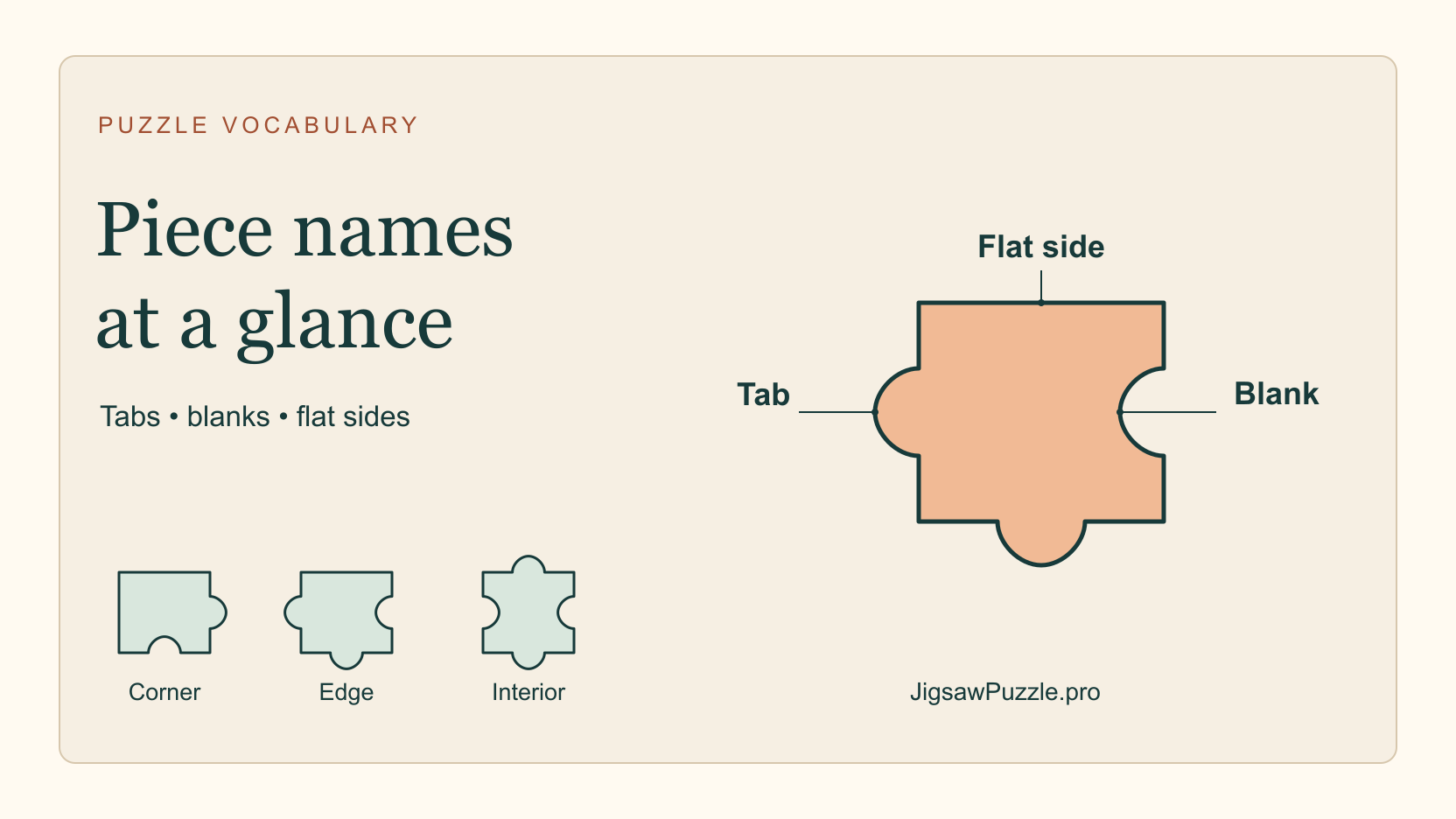
Learn the names of puzzle tabs, blanks, corners and edges with an original labeled diagram and six descriptions you can check against the shapes.
 027
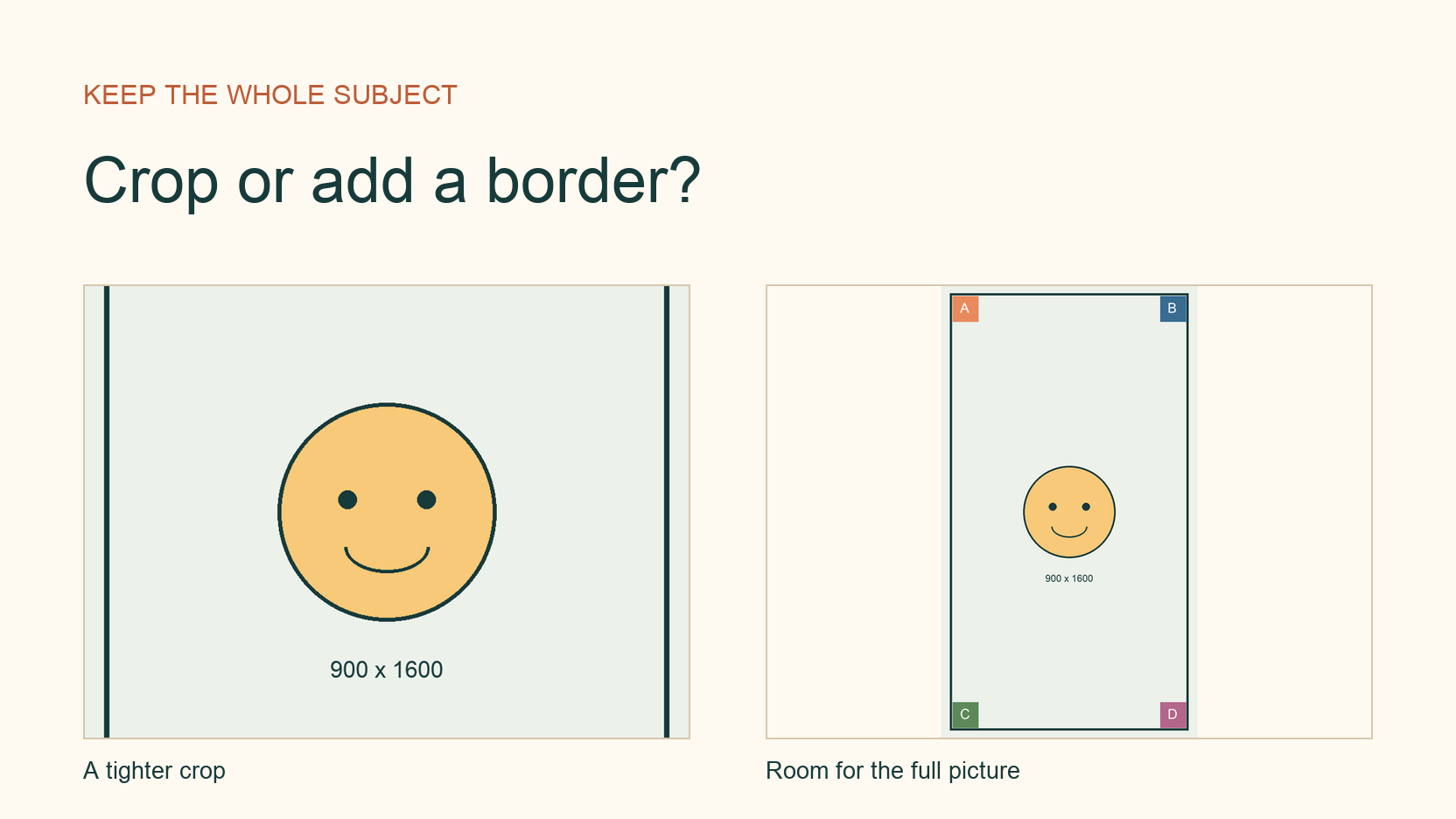
Fix a cropped photo puzzle by comparing the original with the pieces, choosing a crop or border, and preparing a copy that keeps your subject visible.
 028
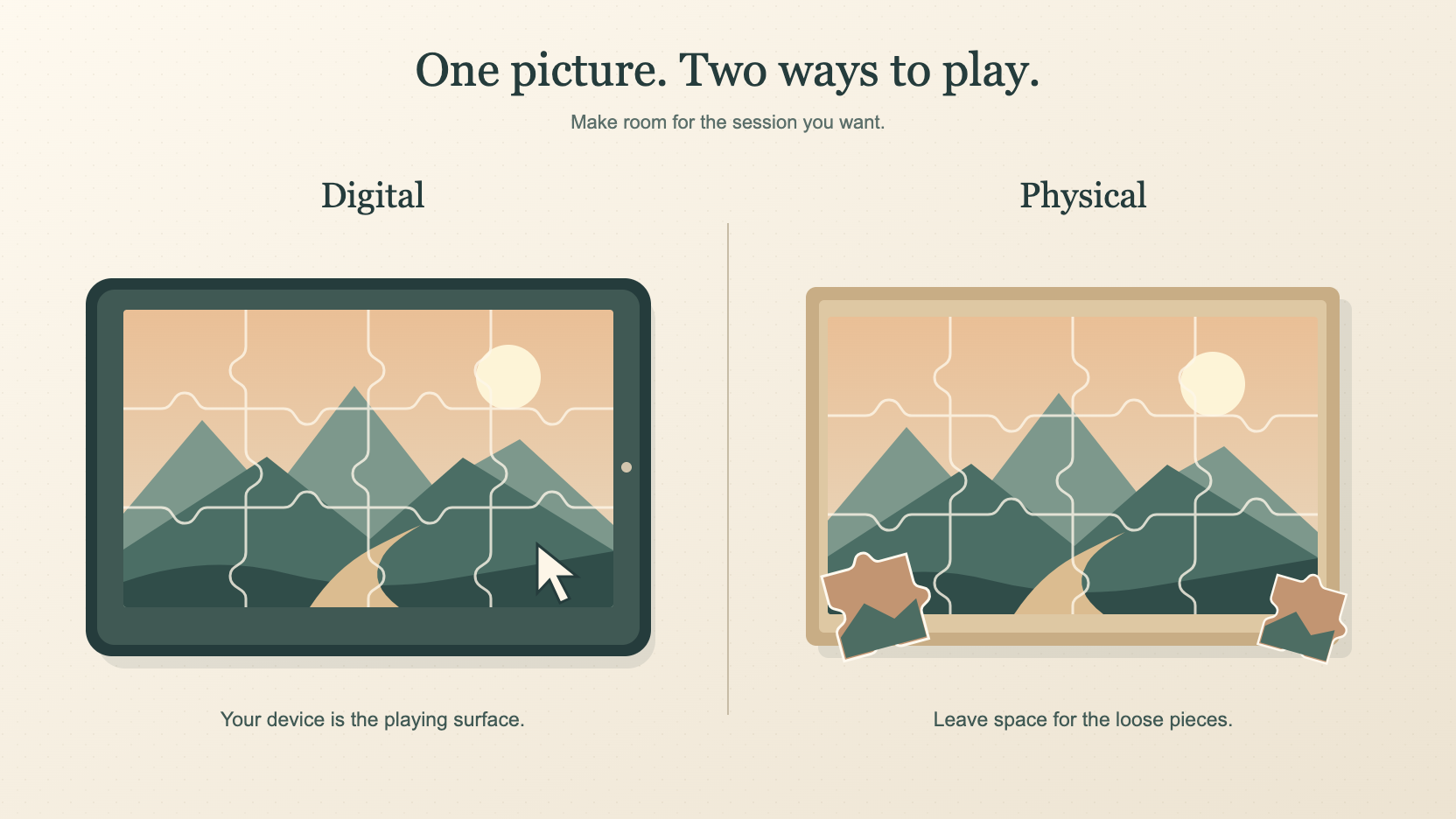
Compare browser and cardboard puzzles by space, touch, setup and saving. Choose a format for a connected commute, a small desk or a screen-free evening.
 029
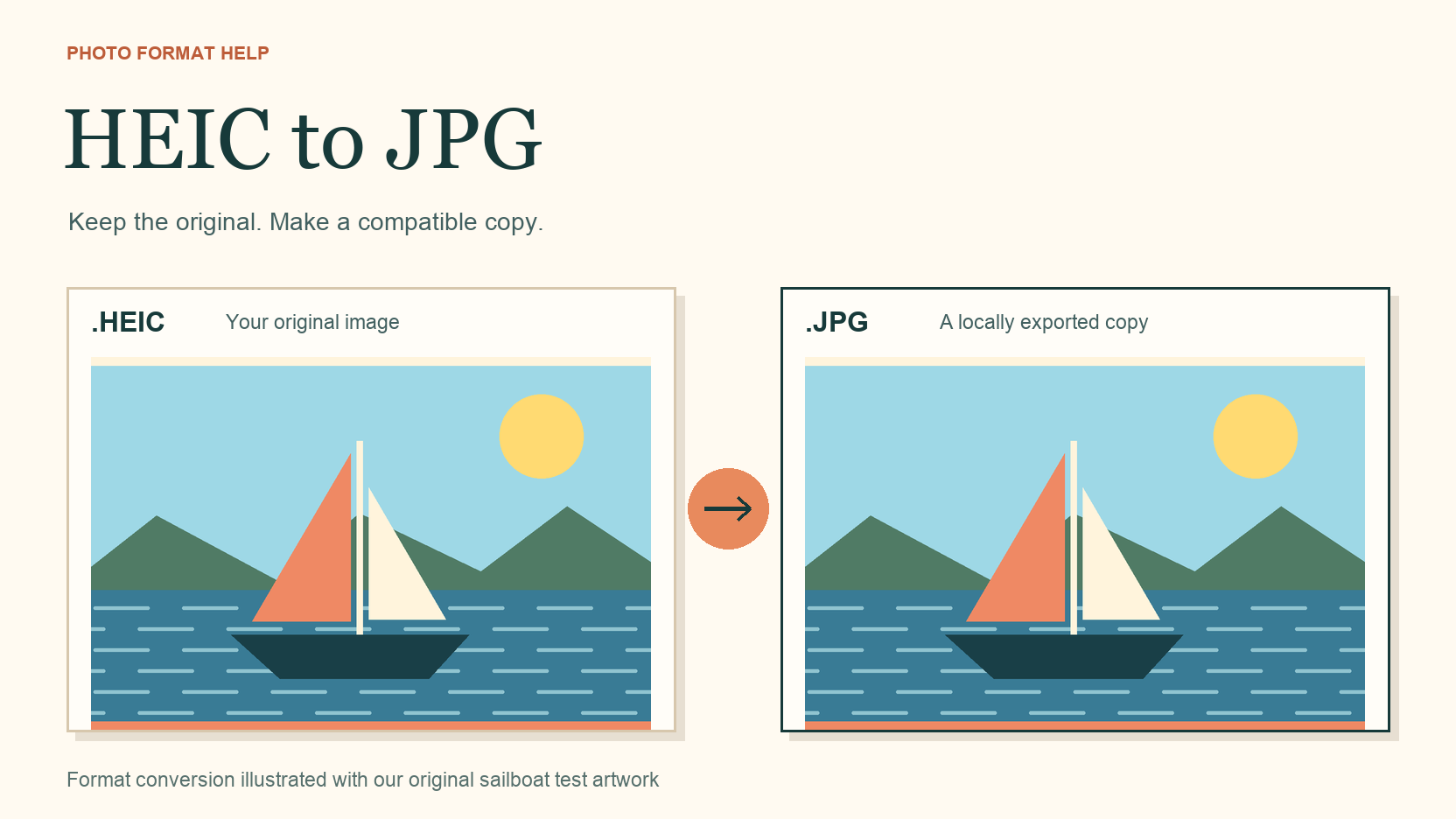
Troubleshoot a HEIC photo puzzle upload, export a JPEG copy with Apple Preview, and check both versions against a real Chrome test.
 030
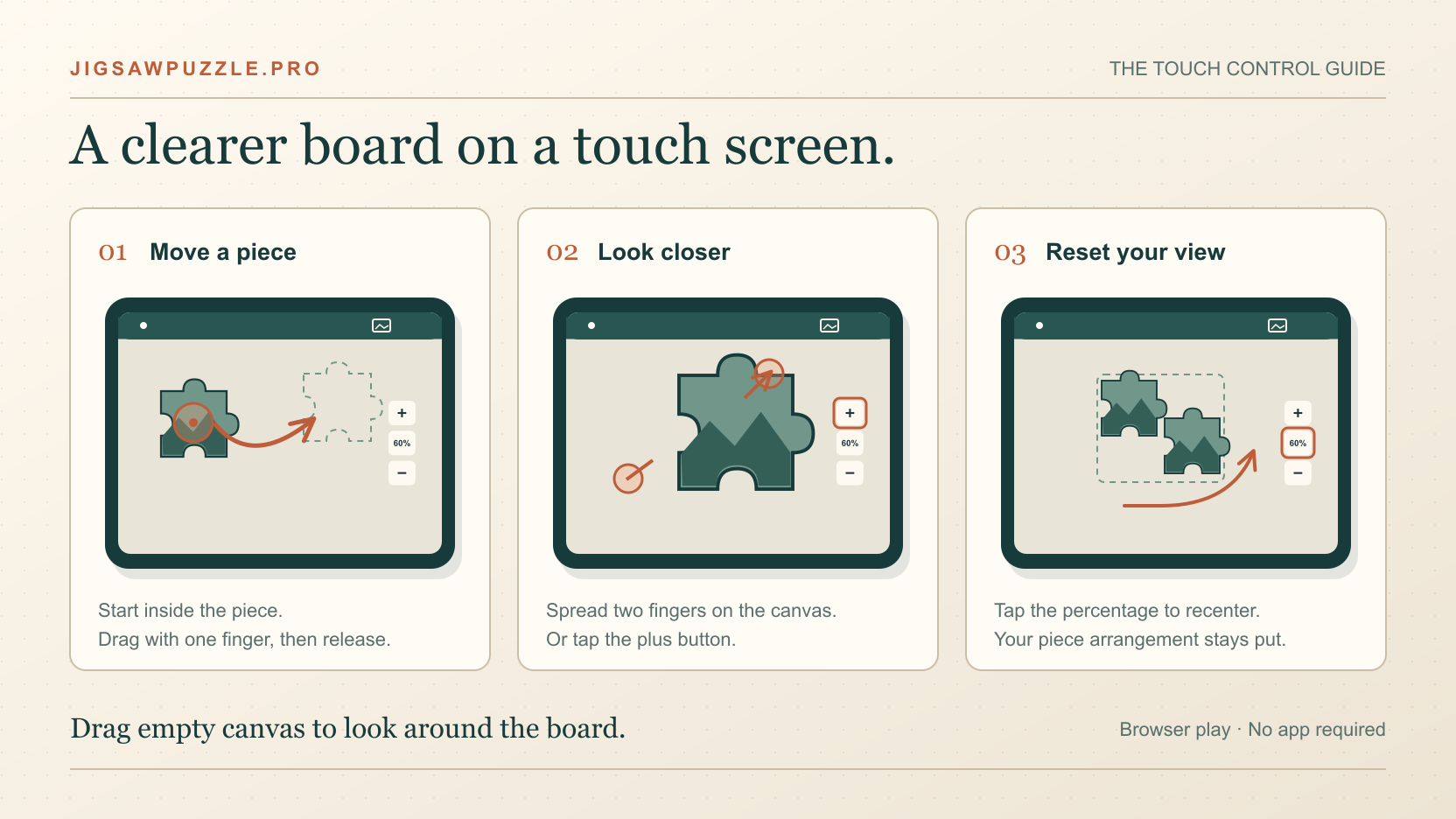
Learn the touch controls, recover pieces outside your view, and keep the reference picture from covering your board when playing on an iPad or tablet.
 031
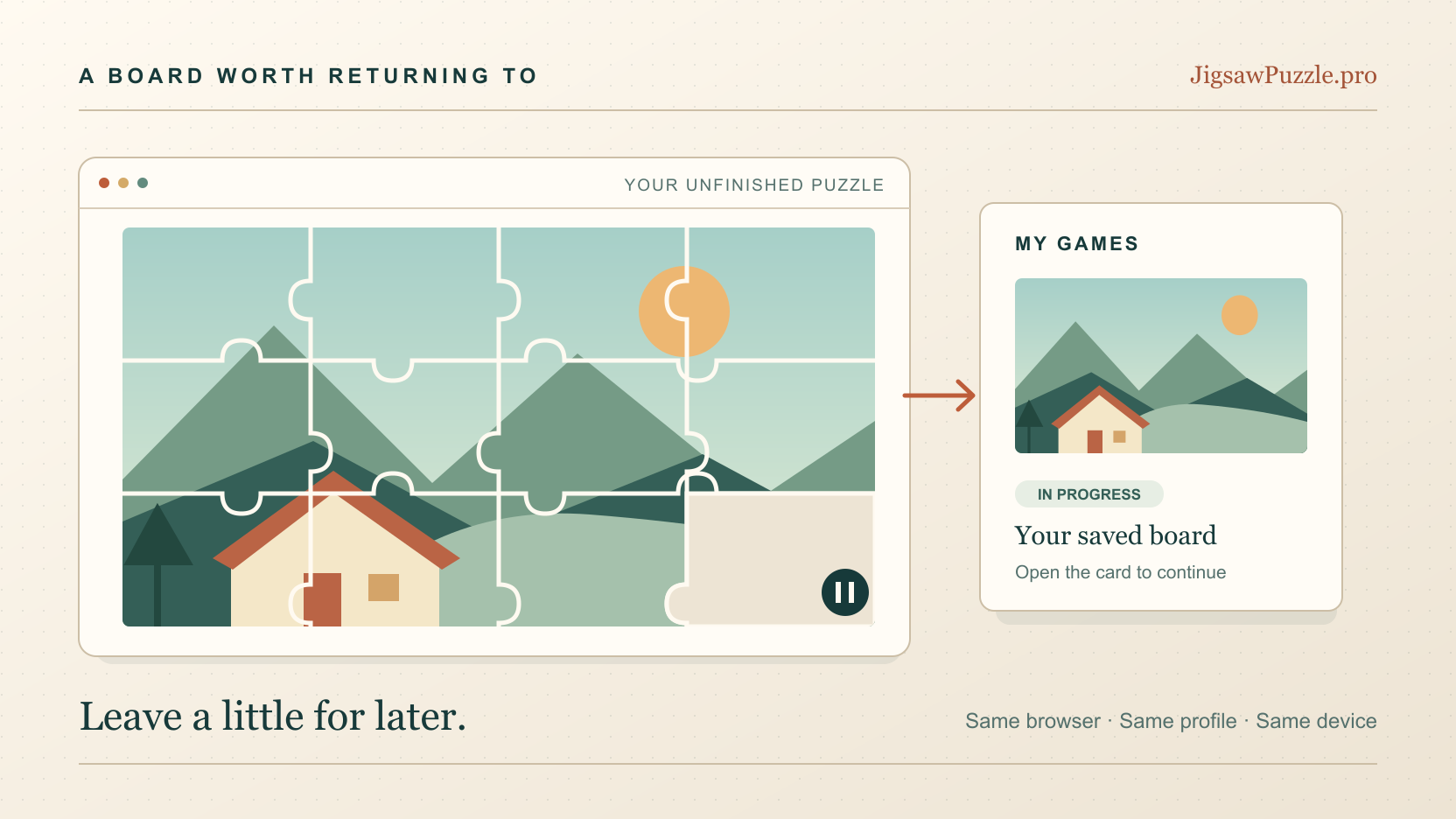
Find your unfinished puzzle in My Games, check that a save actually worked, and understand what happens when you switch browsers or clear site data.
 032
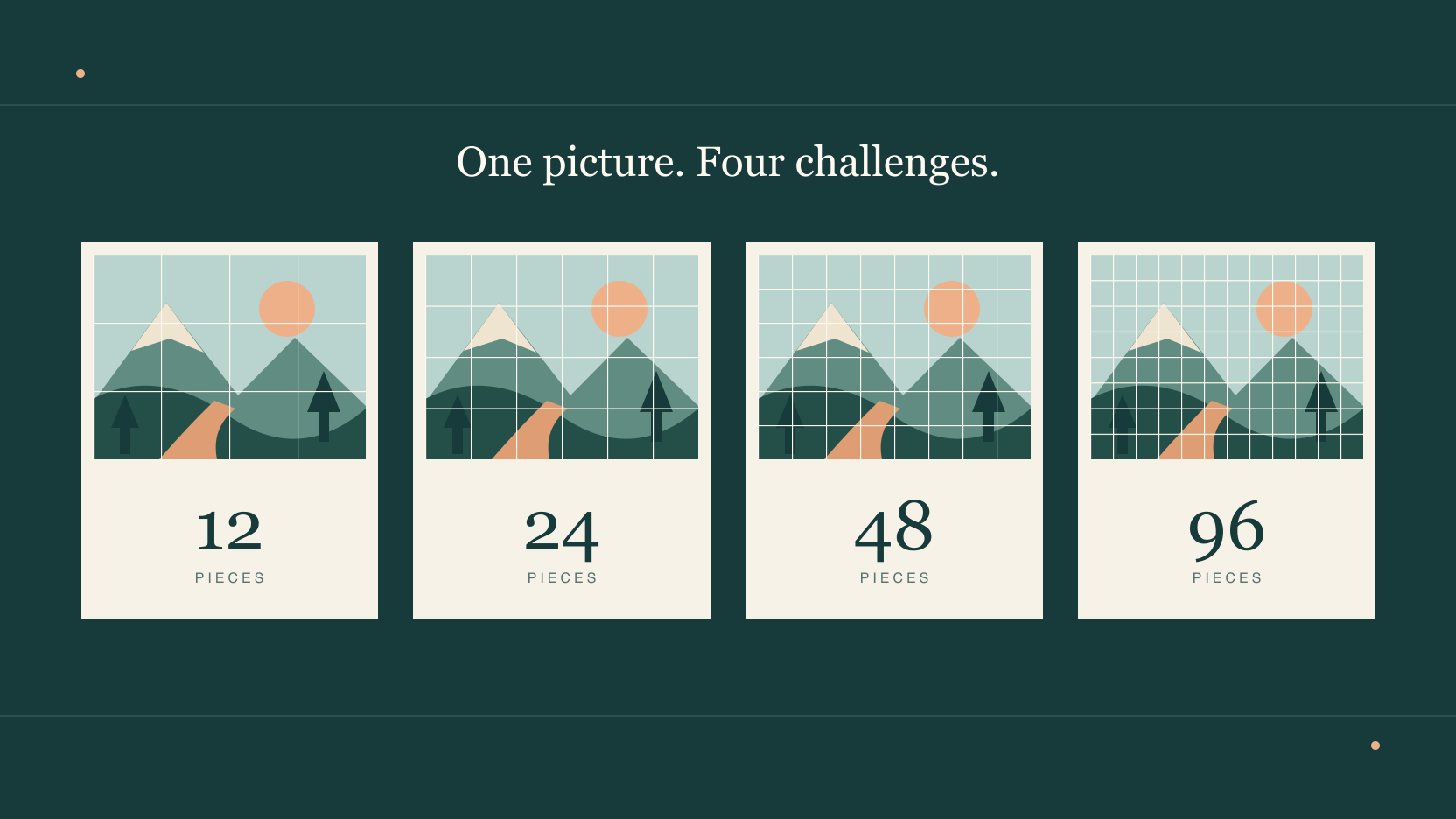
Compare 12, 24, 48 and 96 pieces, learn how pictures change the challenge, and choose a comfortable online puzzle for your screen.
 033
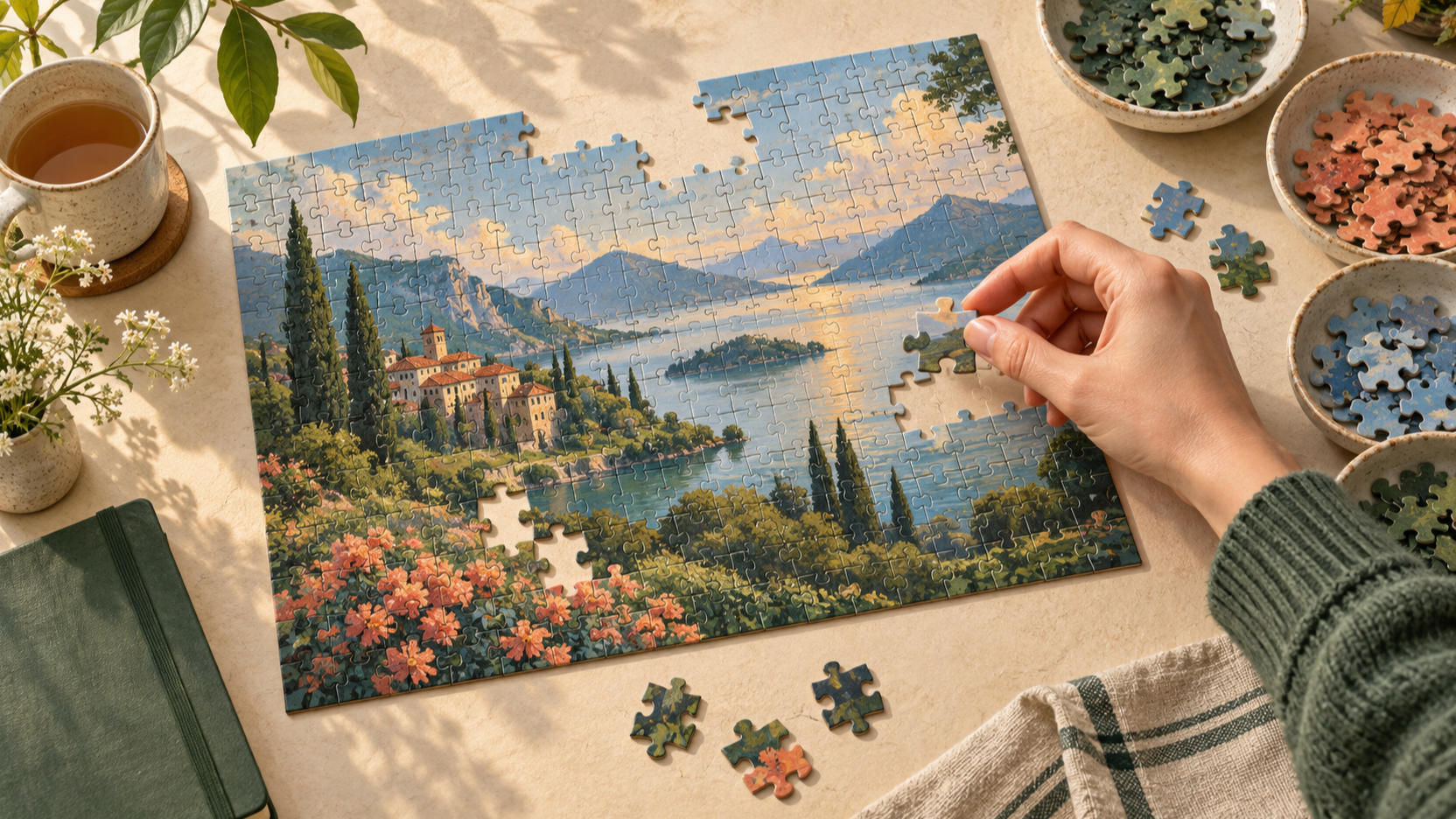
Learn how to solve jigsaw puzzles online with a calm, repeatable plan: choose the right board, build anchors, use the reference image, and recover when stuck.
 034
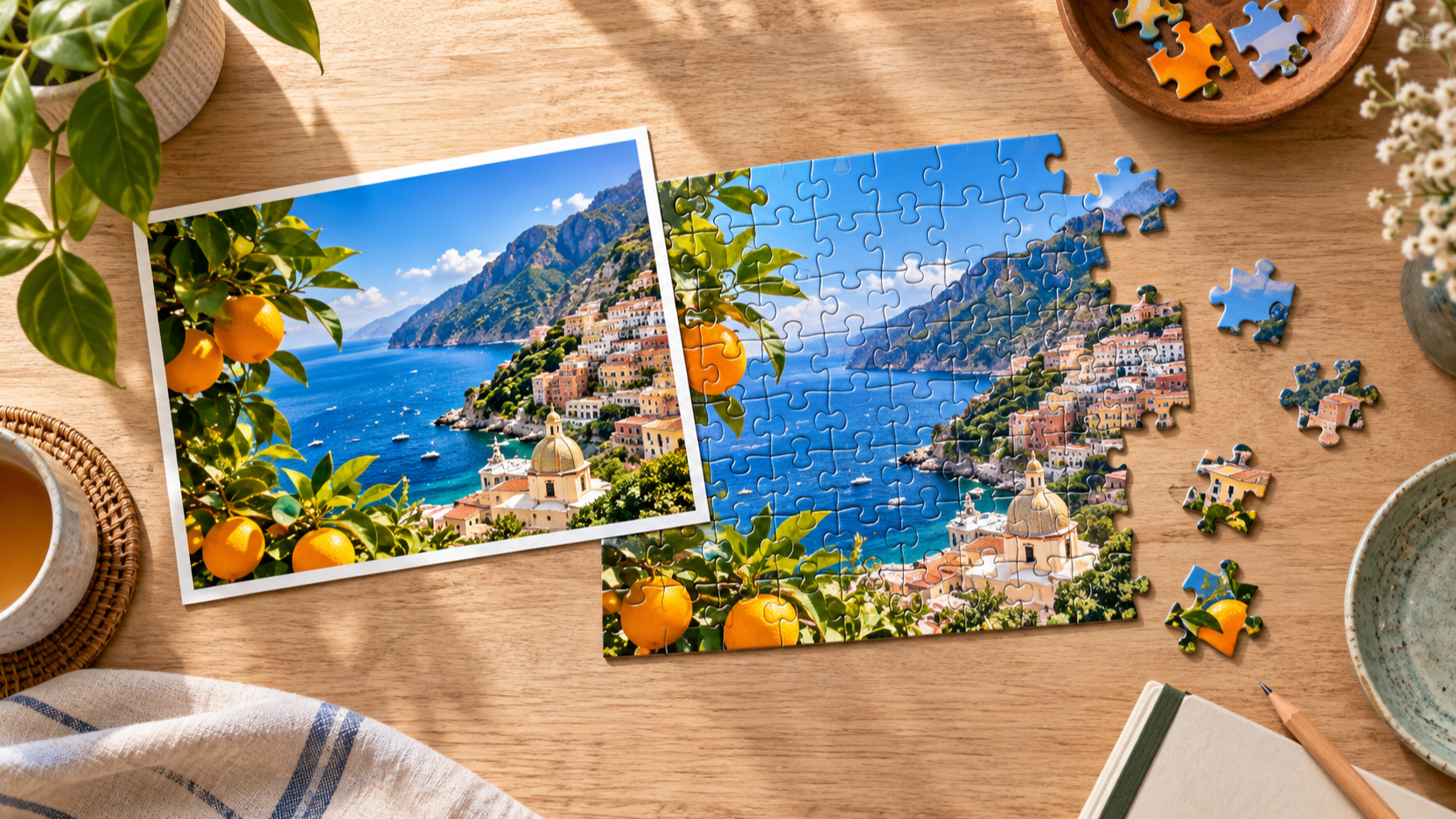
Turn a favorite image into a playable online jigsaw puzzle. Learn how to choose a photo, prepare it, select a piece count, and start a custom puzzle easily.
Make your next board