
Choose your challenge · Find a comfortable piece count
Jigsaw Puzzle Difficulty Chart for Online Players
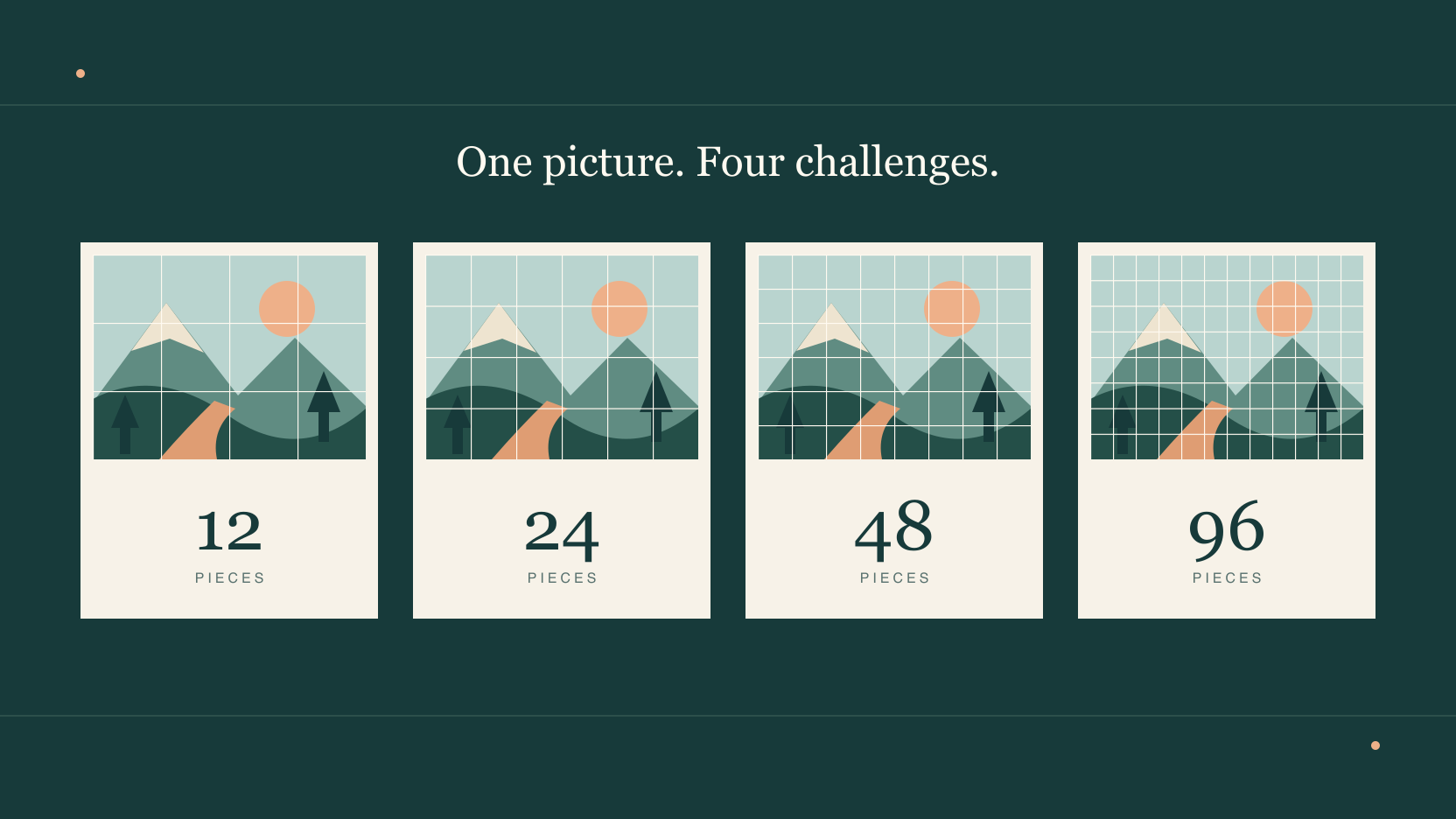
Quick summary
Start with 12 or 24 pieces if you are new to online jigsaw puzzles. Choose a picture with clear objects and a few different colors. When that feels comfortable, try the same picture at 48 pieces before moving to 96.
JigsawPuzzle.pro currently offers four piece counts. The picture you choose matters too. A plain sky gives you fewer clues to distinguish pieces than a colorful building, even when both boards use the same count.
Key takeaways
- 01Use Easy with 12 pieces to learn the controls, or Medium with 24 for a fuller first puzzle.
- 02Keep the picture unchanged when comparing difficulty levels so you can judge the extra pieces.
- 03Check whether you can distinguish details comfortably on your screen before choosing 96 pieces.
An online jigsaw puzzle difficulty chart
These are the actual JigsawPuzzle.pro settings. The grid describes columns and rows in the finished picture. Each step doubles the number of pieces, so more of the picture is split into small fragments.
| Level | Pieces and grid | A useful starting point |
|---|---|---|
| Easy | 12 pieces, 4 × 3 | Learn to drag pieces and check the reference image. |
| Medium | 24 pieces, 6 × 4 | Try a first full puzzle with clearly different objects. |
| Hard | 48 pieces, 8 × 6 | Work with smaller details in a picture you already know. |
| Expert | 96 pieces, 12 × 8 | Choose a longer challenge with more pieces to distinguish. |
These labels belong to this site. Expert here means 96 pieces, and another puzzle site can use that label for a different count. Compare the number of pieces when switching between services. JigsawPuzzle.pro currently offers these four counts, so a search for 500 or 1,000 pieces describes a different kind of session.
Why the picture changes the difficulty
Look at the image before choosing a level. A building with a bright door gives you a recognizable shape to look for. A large stretch of sky gives you many pieces with similar color. The second picture can take more searching even when both puzzles have 24 pieces.
The gallery includes subjects such as Colorful Macarons, Wood Grain and Fresh Snow. Before starting one, check the actual thumbnail. Separate food colors can provide clear groups. Repeated grain or a mostly white surface can make individual fragments harder to tell apart. The category name alone cannot tell you how easy that image will be.
For an easy online jigsaw puzzle, choose an image where you can point to three visibly different regions. On a custom photo, check whether the main subject is clear and the background has useful detail. If most of the frame is blurred or one color, begin at 12 pieces.
Choose a count you can see comfortably
A phone gives you less room to inspect the scattered pieces. Start at 12 or 24 and try moving a few pieces. Check that you can see their details without your finger covering everything useful. If you keep enlarging the board just to recognize what you are holding, try a smaller count.
The game has zoom buttons, and you can pinch to zoom on a touch screen. Open the reference image when you need to check where a detail sits in the finished picture. On a larger screen, test 48 pieces before choosing 96. You should be able to inspect a fragment without continually losing track of the surrounding board.
A simple way to test your next level
Use the same image for a short comparison. Changing the picture and the piece count together makes it harder to tell which change caused the difficulty.
- 1
Finish a clear picture at 12 or 24 pieces.
Notice whether you recognize useful details as you work. You should be able to explain where several pieces belong from what is printed on them.
- 2
Start that picture again one level higher.
Choose the next count in the gallery difficulty chooser. The familiar image lets you concentrate on the smaller fragments.
- 3
Check what is slowing you down.
If you can see clues but need more sorting, stay with the new level. If details are too small to inspect, lower the count or use a larger screen.
Once a count feels comfortable, try a more repetitive image at that same count. This gives you a separate way to add challenge without making every piece smaller.
Let progress guide you more than the timer
There is no reliable finish time that applies to every 48 piece puzzle. Image detail and familiarity affect how much searching you need. Use the timer to compare your own attempts on similar boards. Avoid treating someone else’s time as a requirement.
The piece counter gives a concrete picture of progress. At 24 pieces, placing six completes one quarter of the board. At 96 pieces, the same six pieces complete only one sixteenth. That slower rise in the percentage is expected when you choose the larger puzzle.
For a longer session, use the save indicator and return through My Games. Saved progress belongs to the same browser and device. Check that a save has completed before leaving, and keep that browser’s site data if you want to resume later.
Conclusion
Open the gallery and choose a picture whose details you can see clearly. Finish a 24 piece version, then try that same picture at 48. If the smaller fragments are comfortable to inspect, you have a good starting point for your next board.
Frequently asked questions
Next move
Try your chosen difficulty
Browse the gallery, read the solving guide, or prepare a custom photo for your next board.